Homework and progress

Homework set in the tool. Practice that gets measured.

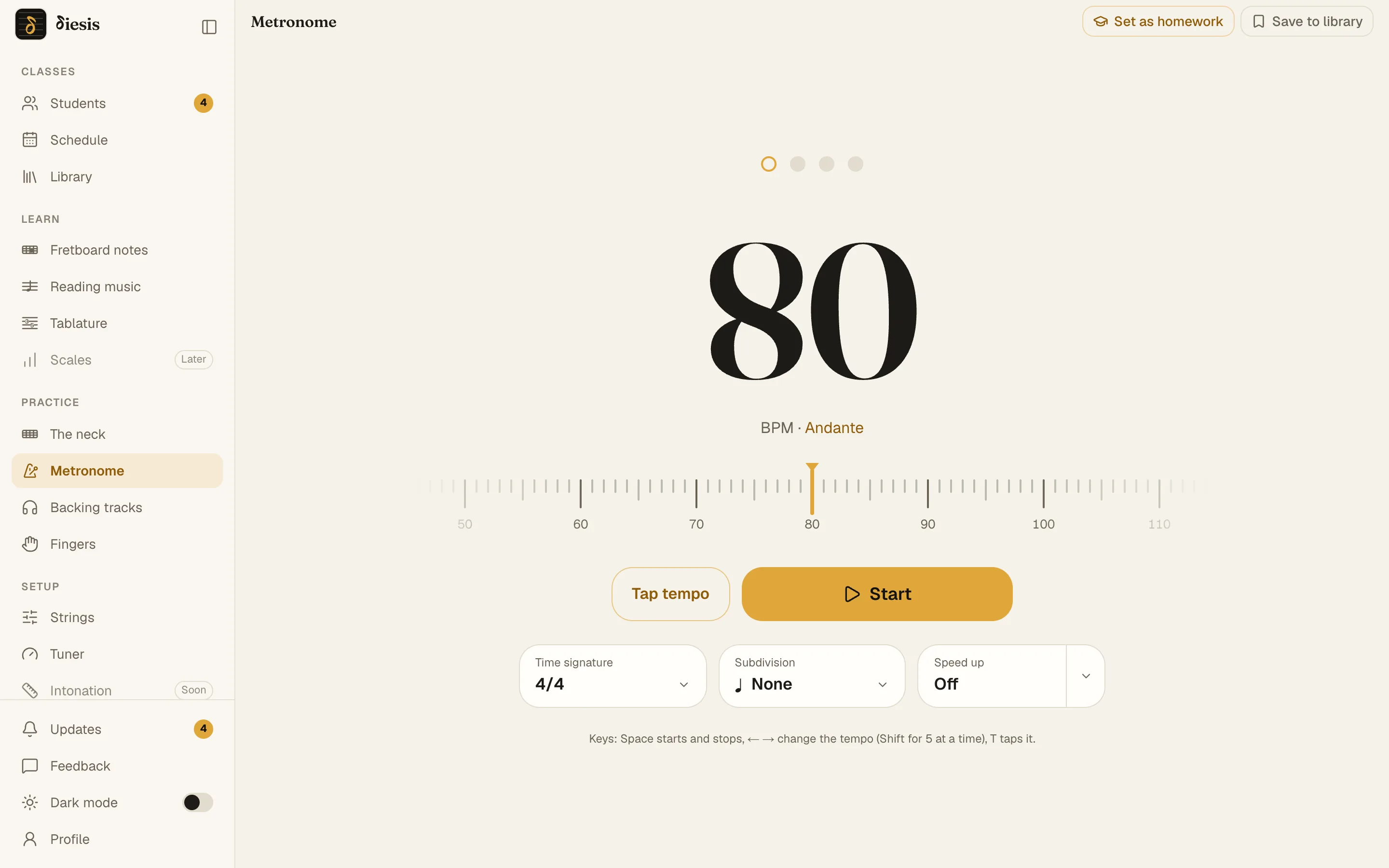
On Diesis a homework is the tool itself, left the way the teacher wants it, with a target. The student opens it ready, Diesis counts the tempo, the scores, the minutes and the days, and the teacher reads the week before the lesson.

Nothing to install · Phone or computer
diesis.app/practice/metronome
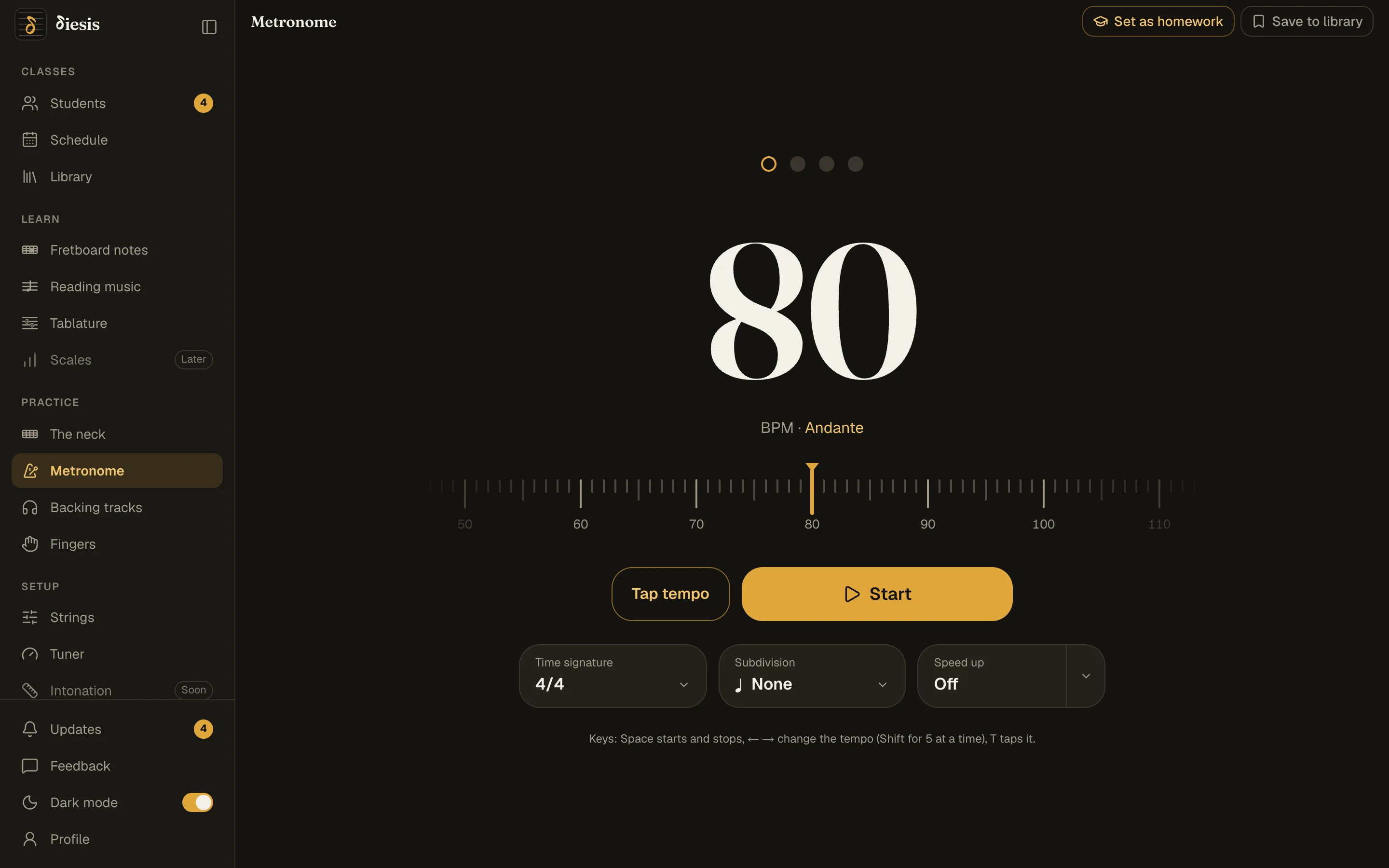
The metronome with Set as homework at the topThe metronome with Set as homework at the top
What Diesis measures

What Diesis measures: numbers, not a guess.
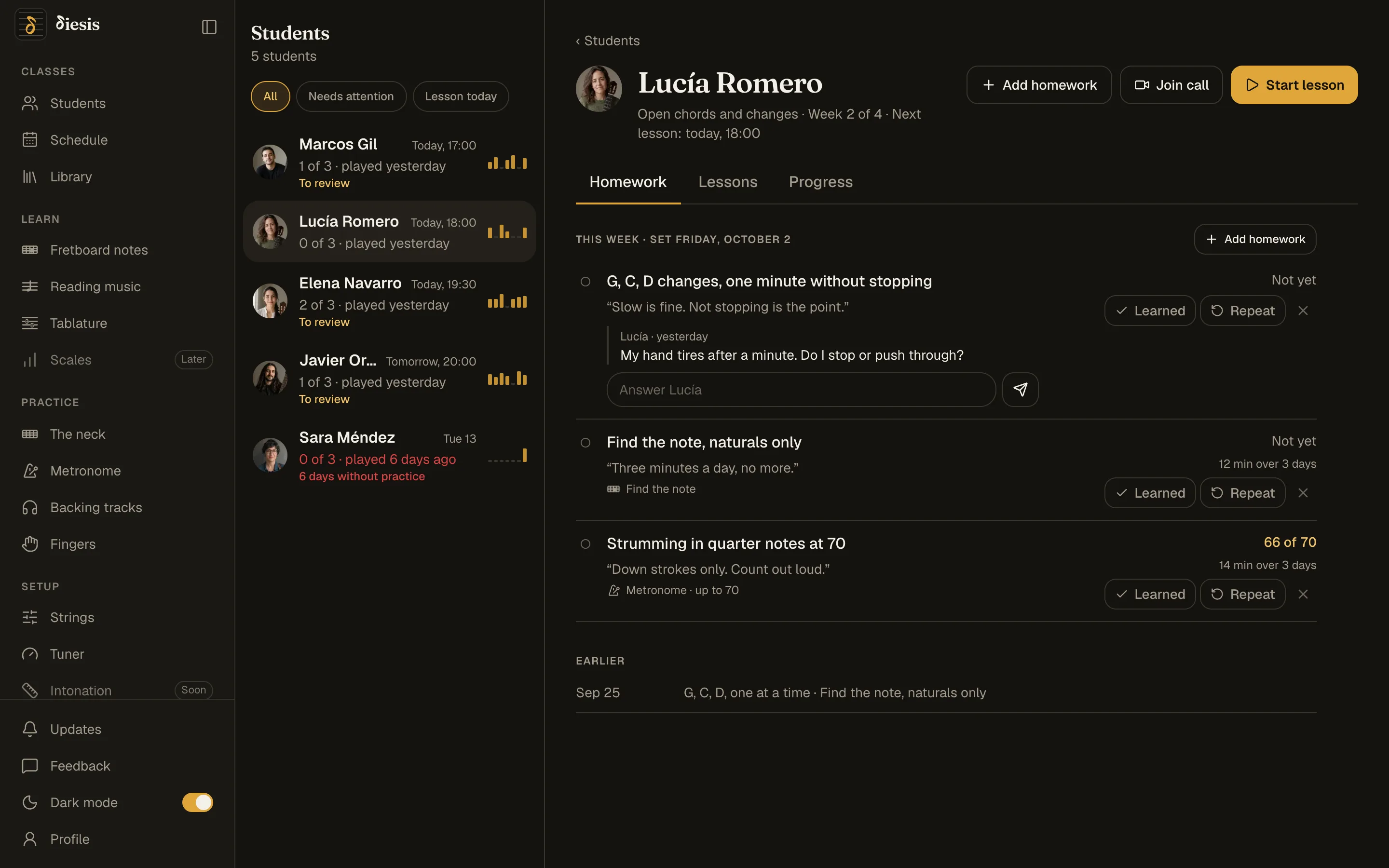
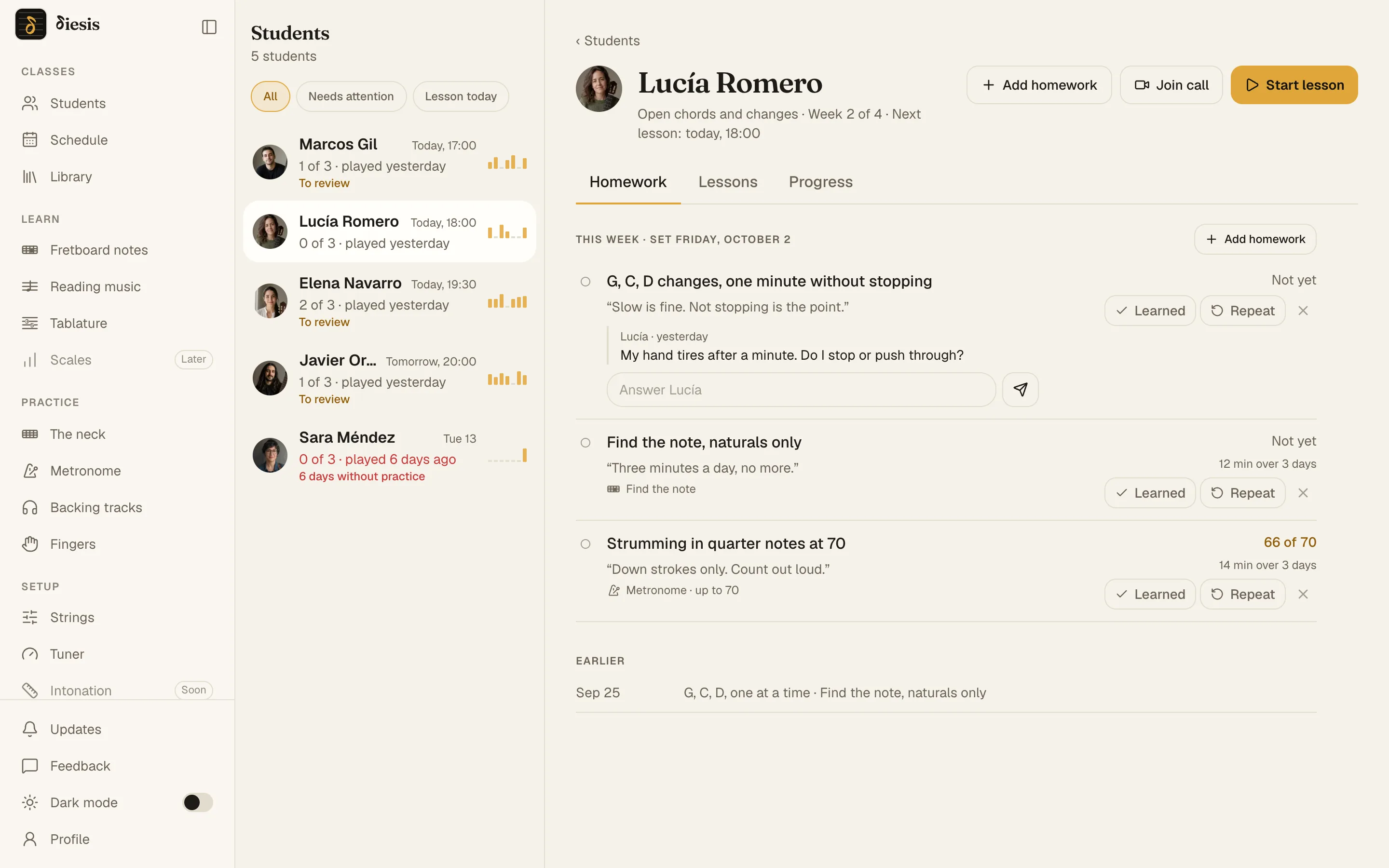
The tempo reachedThe fastest tempo the metronome ran at, and how far a Speed up climbed.
The score of each exerciseName the note, Find the note, the reading exercises, Fingers: every finished round, against the target you set.
Minutes and daysHow long on each tool, each day, for the last 120 days.
Their questionsWhat the student asks under a homework reaches you, and your answer reaches them.
diesis.app/students
The teacher sees what each homework reachedThe teacher sees what each homework reached
What the teacher decides

Diesis measures. You decide.

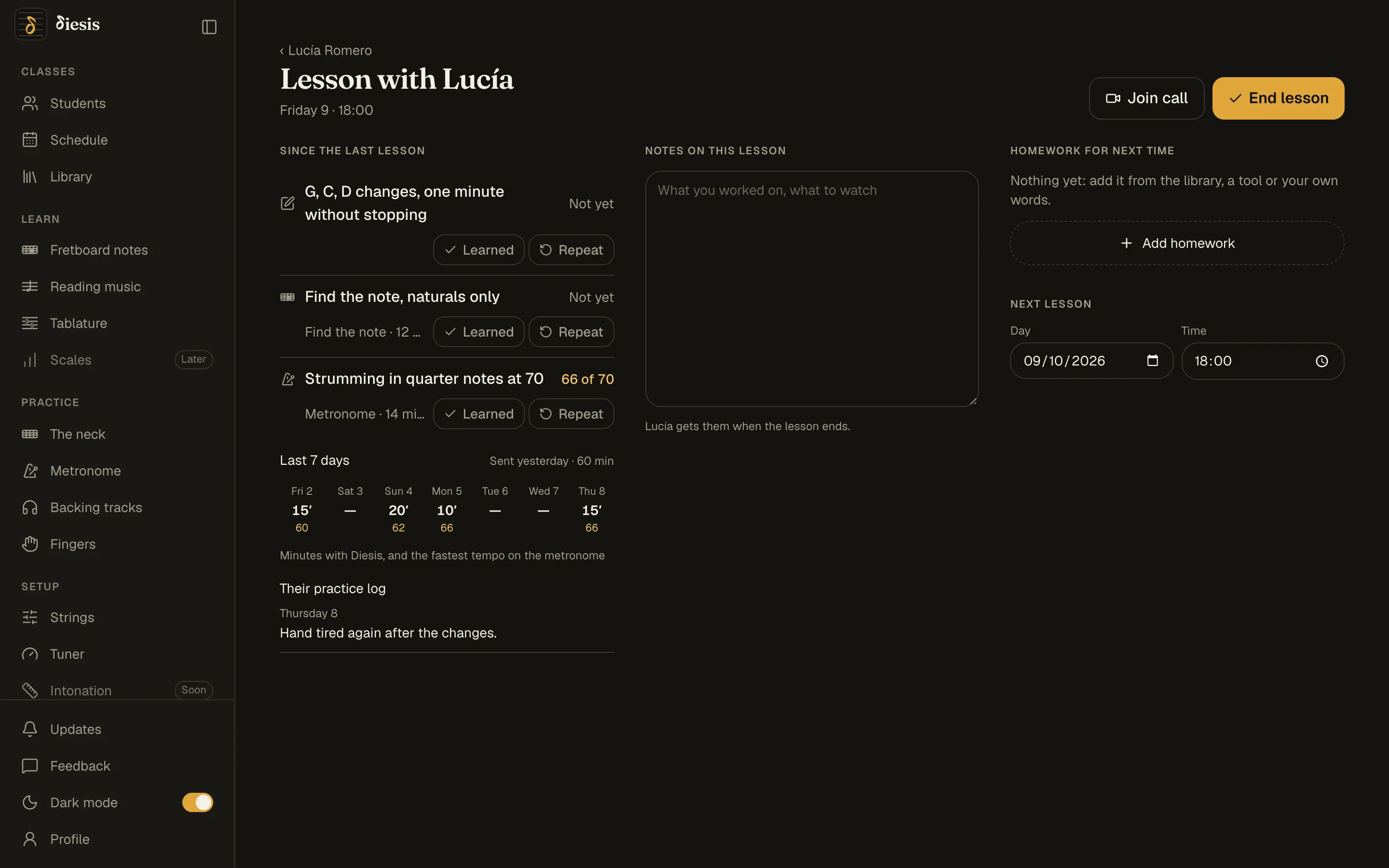
Learned or RepeatThe verdict on each homework is yours. Learned goes on the list of what the student has mastered.
Skills, two opinionsFifteen techniques and your own. Your level on each beside the student’s, with a note.
In your own wordsA task that is not a tool, a link, a program by weeks, a note for the student.
Your librarySave an exercise set up the way you like it and assign it to any student.
diesis.app/students/…/lesson
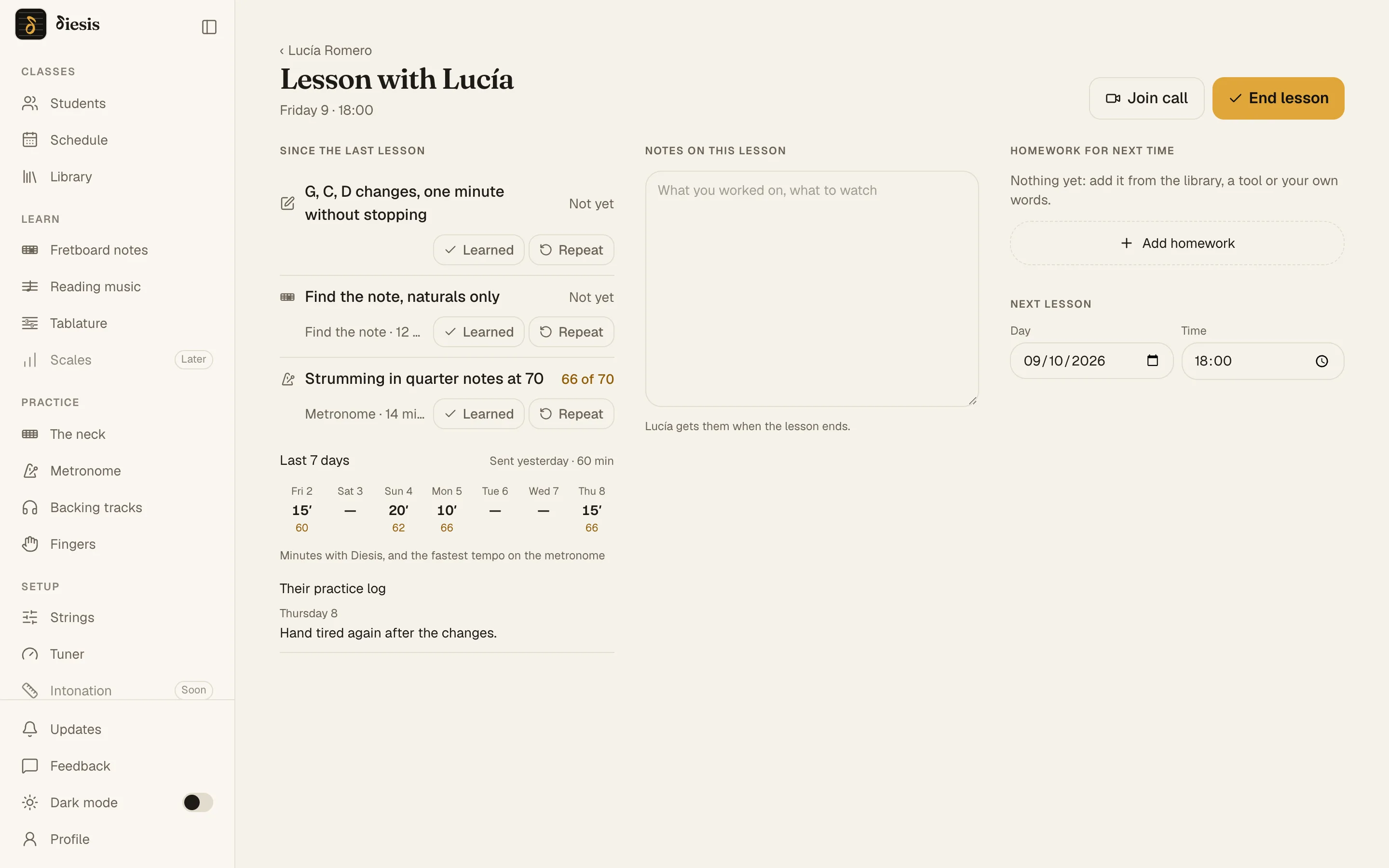
Lesson mode under the call: since the last lesson, notes, homework for next timeLesson mode under the call: since the last lesson, notes, homework for next time
For the student

Know exactly what to practice today.
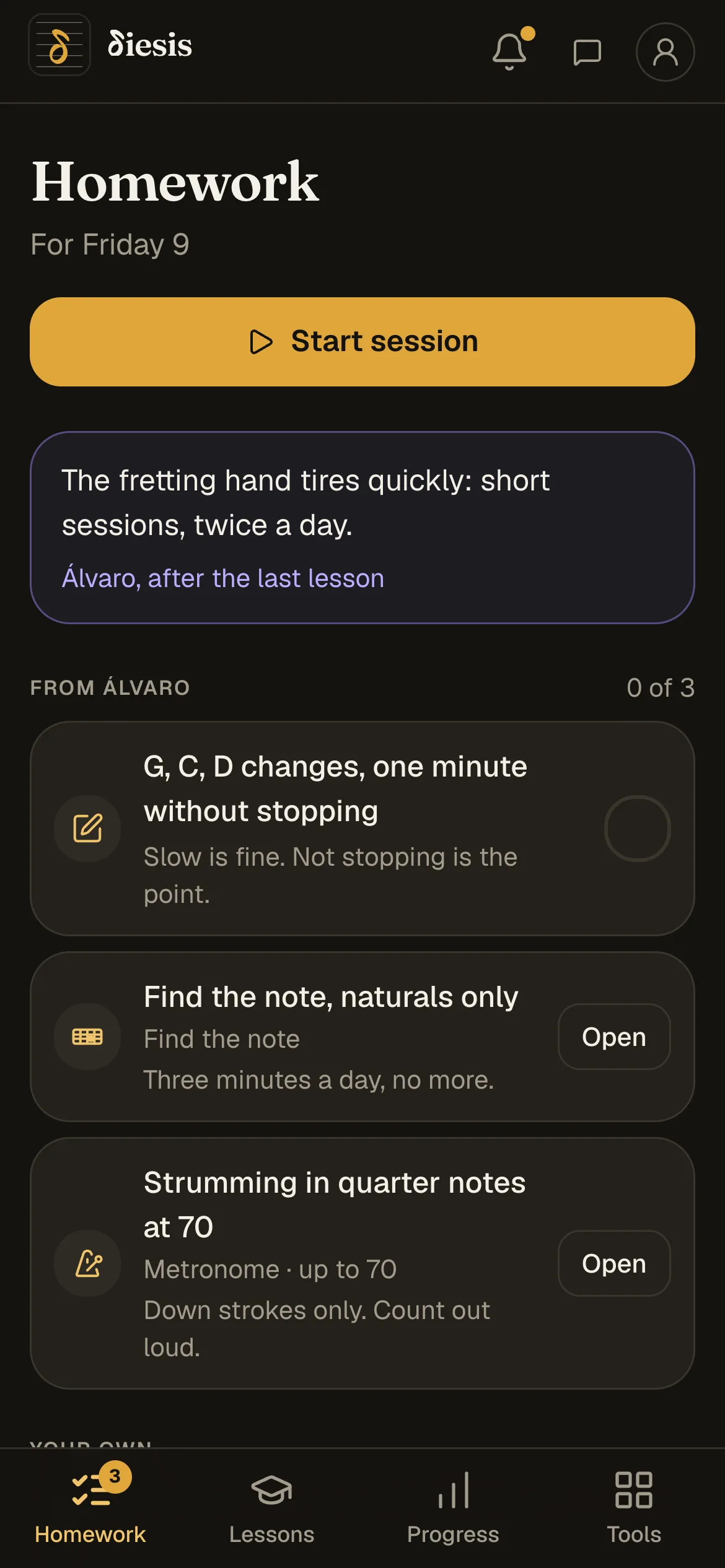
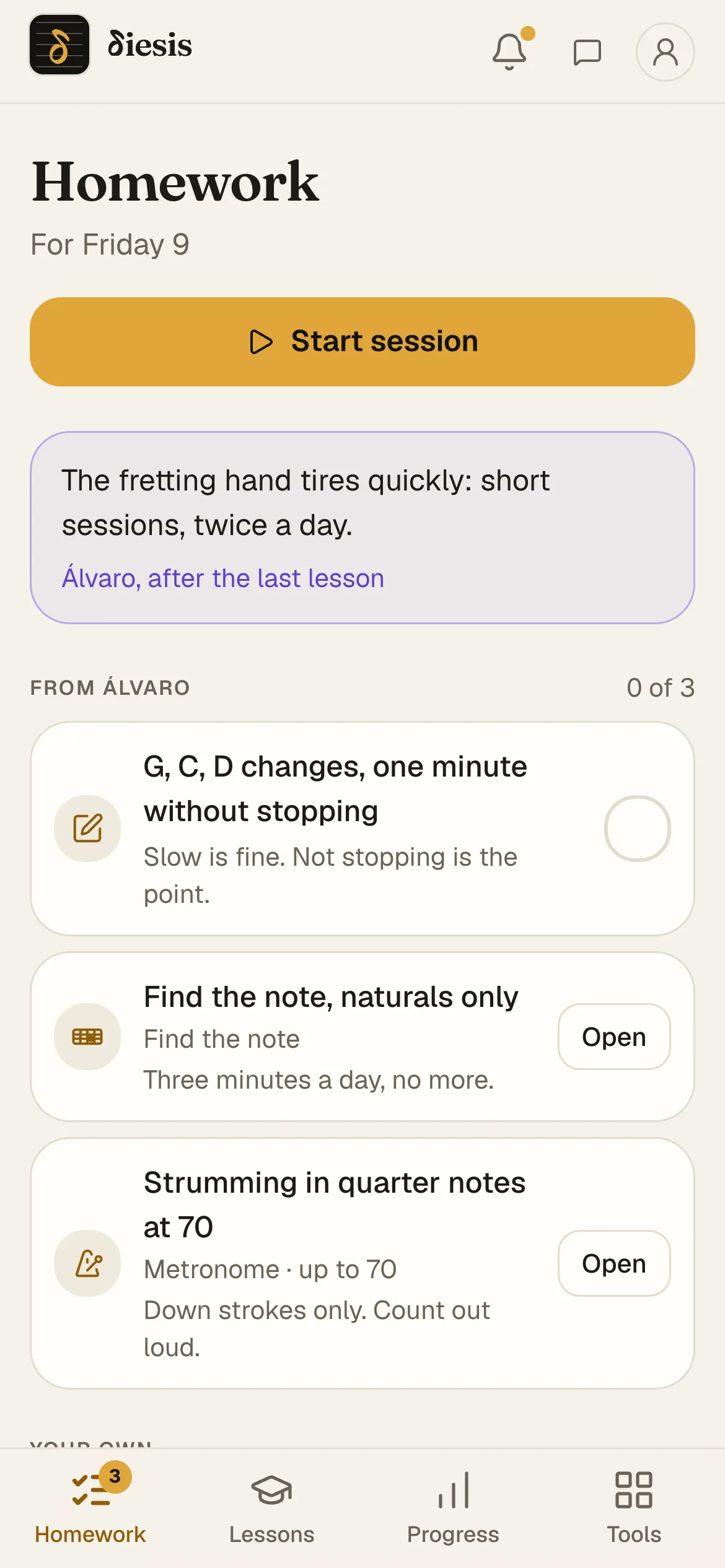
It opens readyEach homework opens its tool as your teacher left it. Nothing to copy from a chat.
Start the sessionOne button chains this week’s homework, one after the other, and writes the summary in your practice log.
Your own listAdd any tool to your list with its settings, with or without a teacher.
ProgressThe week’s minutes, your bests, what you have mastered, your skills and your practice log, on one screen.
The student’s phone: this week’s homeworkThe student’s phone: this week’s homework
Questions

Homework and progress

How do I give guitar homework online?

Leave the metronome, a scale on the neck or an exercise as you want it, give it a target, and press Set as homework. Your student opens it the same way. A task in your own words works too.

Can I see whether my student practiced?

Yes. The tempo reached, the best score, the minutes per day and their questions under each homework reach you by themselves, before the lesson.

Does Diesis record my student playing?

No. It counts tempo, scores, minutes and days. No audio or video is recorded, on the call or anywhere else.

Does it work for lessons in person?

Yes. The homework and the progress work the same when you meet in a room; the call is there for when you don’t.

Can I set homework in my own words?

Yes. A task typed on the student’s card or a link sits beside the ones set from the tools.

Does my student need an account?

Yes, a free one. You give them a six-letter code, they type it in, and you accept them. You never see their email address.

Set your first homework.

Invite one student with a code, leave the metronome as you want it, press Set as homework.