Setup · Diesis
Guitar string tension calculator.
See how tight each string is on your guitar, in your tuning. Load a common set or let Diesis work out a balanced one, then follow the setup steps after the string change.
It works right here: no account, nothing to install.
Type of guitar · Strat style · The type sets the scale length and the setup numbers; change the scale if yours is different.
Rock: The usual balance and the factory action: the starting point the other styles move from. Both: no change, the style decides.
String tension
Set 10–46 · Standard · 25.5″- 1E16.3 lb · 7.4 kg, balanced
- 2B15.5 lb · 7.0 kg, balanced
- 3G16.6 lb · 7.6 kg, balanced
- 4D18.4 lb · 8.3 kg, balanced
- 5A19.8 lb · 9.0 kg, balanced
- 6E18.1 lb · 8.2 kg, balanced
Total on the neck: 105 lb · 47 kg
Green is comfortable, amber is slack, red is tight.
Strings to try · real sets at these gauges
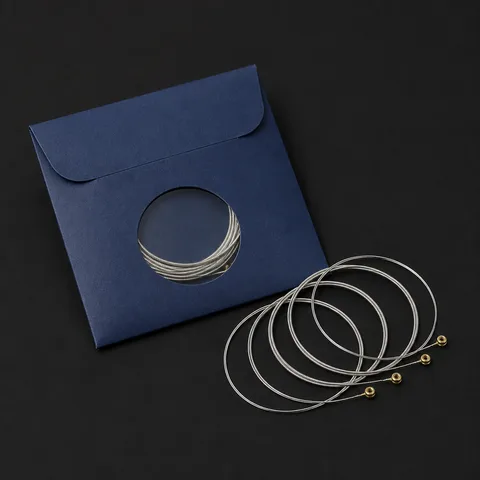 D'Addario EXL110Nickel-plated steel: the usual choice
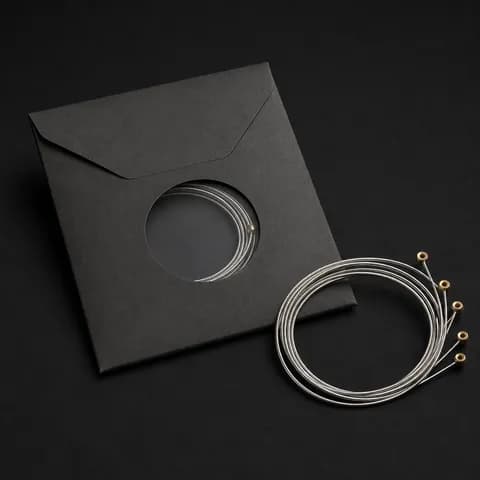 Ernie Ball Regular Slinky 2221Nickel-plated steel: the usual choice
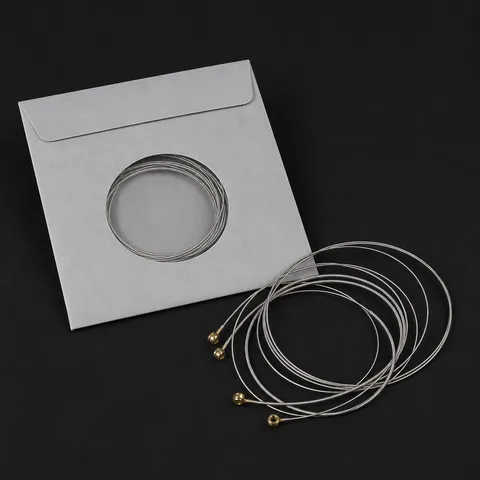 Elixir Nanoweb 12052Coated: lasts longer, costs more
Amazon affiliate links: they cost you nothing.
Setup numbers
Strat style · RockAction, low string (12th fret)
2.0 mm
.079″
Action, high string (12th fret)
1.6 mm
.063″
Neck relief
0.25 mm
.010″
Fretboard radius
9.5″
241 mm
Pickup height, bass side
3.2 mm
.126″
Pickup height, treble side
2.4 mm
.094″
Factory starting points, moved for your strings and your style. Lower plays easier and buzzes sooner; higher rings clearer.
After a string change · in this order
After a string change
In this order: each step changes the ones after it.
- 1
Stretch the new strings
Tune up, pull each string gently along its length, retune. Repeat until they hold pitch.
- 2
Check the relief
Fret the low string at the 1st fret and at the last; the gap at the 7th–8th fret is the relief. Turn the truss rod a little at a time (a quarter turn at most) and let the neck settle.
Aim for 0.25 mm
- 3
Set the action
At the 12th fret, from the top of the fret to the bottom of the string. Raise or lower the bridge or the saddles, then play where you play most: no buzz.
Aim for 2.0 mm on the low strings, 1.6 mm on the high
- 4
Set the pickup height
Fret at the last fret and measure from the pickup to the bottom of the string. Closer is louder; too close pulls the string and sours the notes.
Aim for 3.2 mm on the bass side, 2.4 mm on the treble side
- 5
Set the intonation
Tune the open string, then play it at the 12th fret. Sharp: move the saddle away from the neck. Flat: towards it. Retune after every move, string by string.
- 6
Tune and play
A new setup settles over a day or two. Check the tuning and the relief again after that.
What you need for a setup
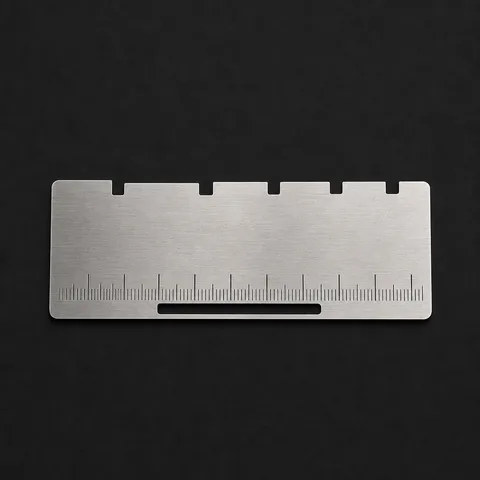
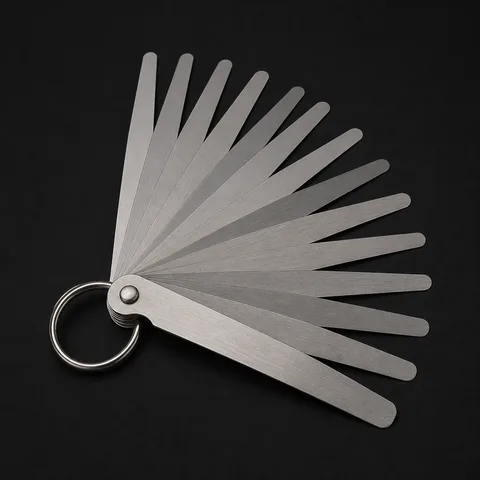
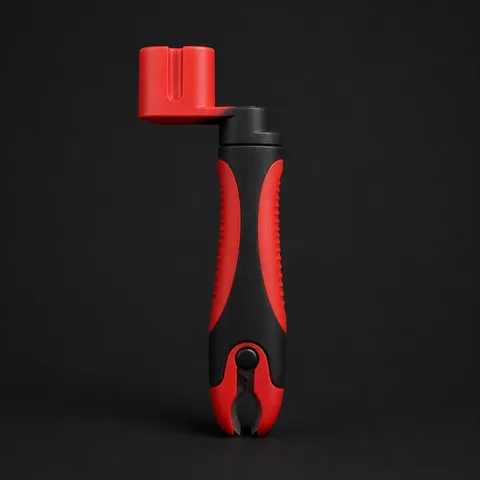
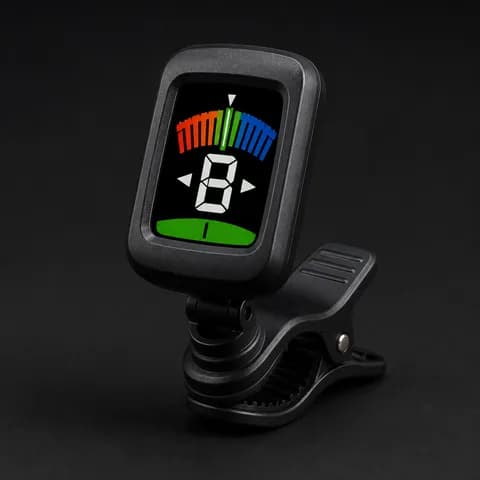
As an Amazon Associate I earn from qualifying purchases. It costs you nothing and helps keep Diesis going.
This is one tool. Diesis keeps them all in one place. Every tool, your bests and your teacher's homework, kept for you.
Sign up freeStrings and setup
What it does
Tension for every string
Worked out from your gauges, tuning and scale length, within about 5% of the makers' own tables. Green is comfortable, amber slack, red tight.
A balanced set, worked out
Pick a common set, or ask for one balanced for your tuning and your style, from shred to metalcore and jazz. It also names real sets at those gauges.
Setup numbers for your guitar
Action, neck relief, fretboard radius and pickup height for eleven types of guitar, from Strat and Les Paul styles to eight strings, acoustics and classicals, moved for your strings and your style.
What to do after a string change
Stretch, relief, action, pickups, intonation, in the order that works. The steps change for acoustic and classical guitars.
How to use it
- 01
Pick your type of guitar
It sets the scale length; change it if yours is different.
- 02
Set tuning, style and what you play most
Six, seven or eight strings in the tuning you play in, the style you play (rock, blues, metal, jazz…) and whether you play more lead or rhythm.
- 03
Read the bars
Try sets until every string is in the green, then follow the setup steps.
Questions
What string gauge do I need for a lower tuning?
A heavier one. Tune down and the same set goes slack: it buzzes and feels loose. Enter your tuning and go up in gauge until the bars turn green, or let Diesis suggest a balanced set.
What is a good string tension?
Diesis marks each string as slack, balanced or tight. What matters most is that the strings are close to each other, so none feels loose next to its neighbours.
Do I have to adjust the guitar after changing gauge?
Usually. Heavier strings pull harder on the neck, so check the relief first, then the action, then the intonation. Diesis lists the steps in that order.
Do metal and jazz players need different strings?
Often, yes. Pick your style and the suggested set follows it: lighter for shred, a heavier bottom for metal and djent in drop tunings, heavier all round for jazz. The setup numbers move with it: lower action for fast playing, a touch higher for bends.
Guitar on your lap?
It opens in your browser. Free while in preview; you sign up with your email.
More in Diesis
- LearnName the noteA position lights and plays. Say which note it is, against the clock if you dare.
- LearnFind the noteYou get a name. Tap every place it lives on the neck.
- PracticeThe neckAny scale on any root, across the whole fretboard. Here, A minor pentatonic.
- PracticeMetronome20 to 300 BPM, odd meters, tap tempo, and a Speed up mode that climbs to your target.
- PracticeBacking tracksJam over tracks in every style, with the key and the scale to play shown on each.
- PracticeFinger independenceFour pads, one per finger, and notes falling onto them on the click. Hit each one as it lands and see how close you were.
- SetupTunerTune through the microphone in your guitar's own tuning. It hears the string you play and shows which way to turn the peg.
- LearnReading musicName the note on the staff, find it on the neck, read a bar, then sight-read as the notes scroll.
- LearnTablatureHow to read tab in four rules, then tab to neck, neck to tab, a riff and the signs.
- PracticeTab makerWrite your own tab from a number pad, the neck or the keyboard, and hear it played back.