Teach classical guitar online with your scores, a stand with a metronome and every student’s progress.
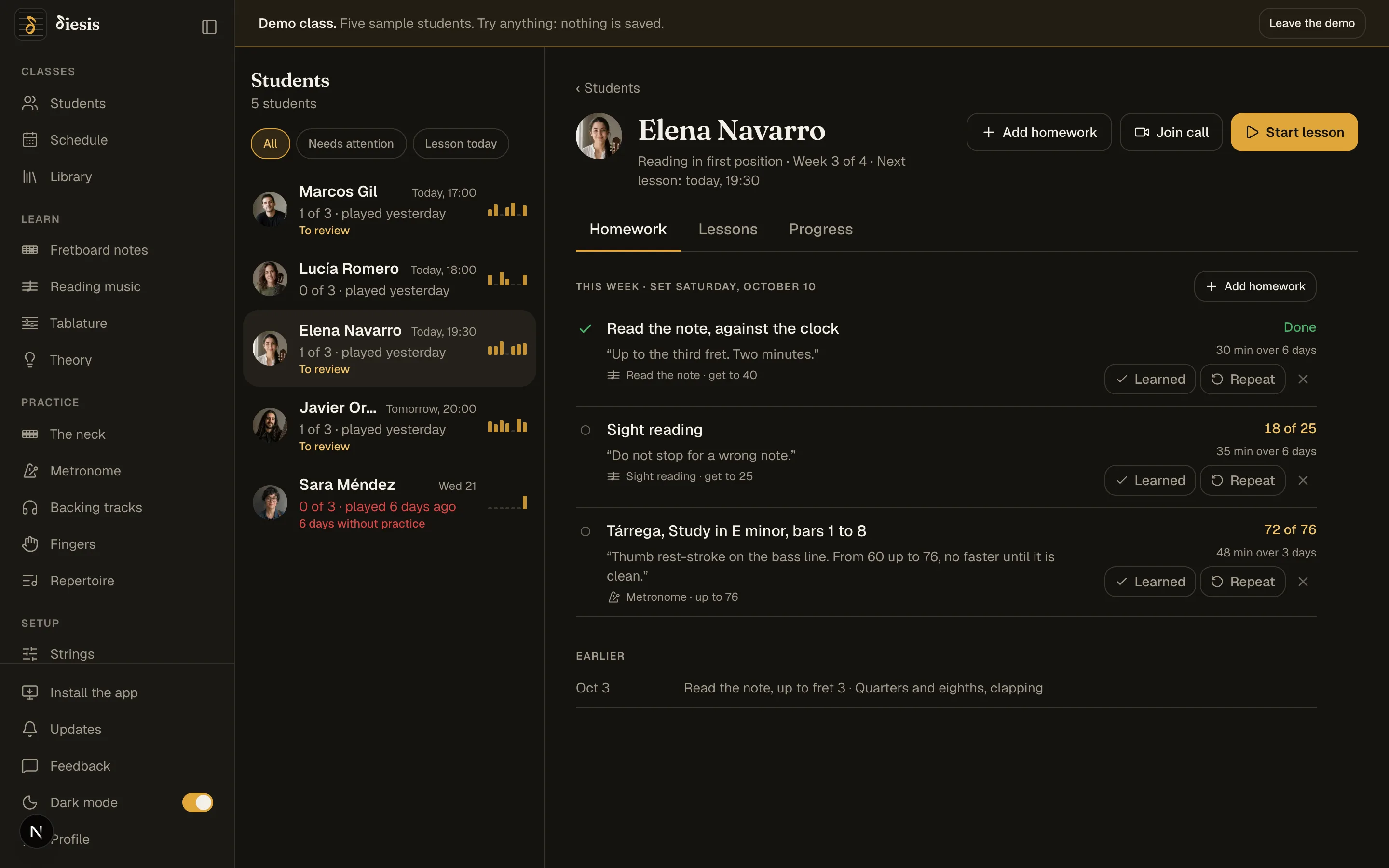
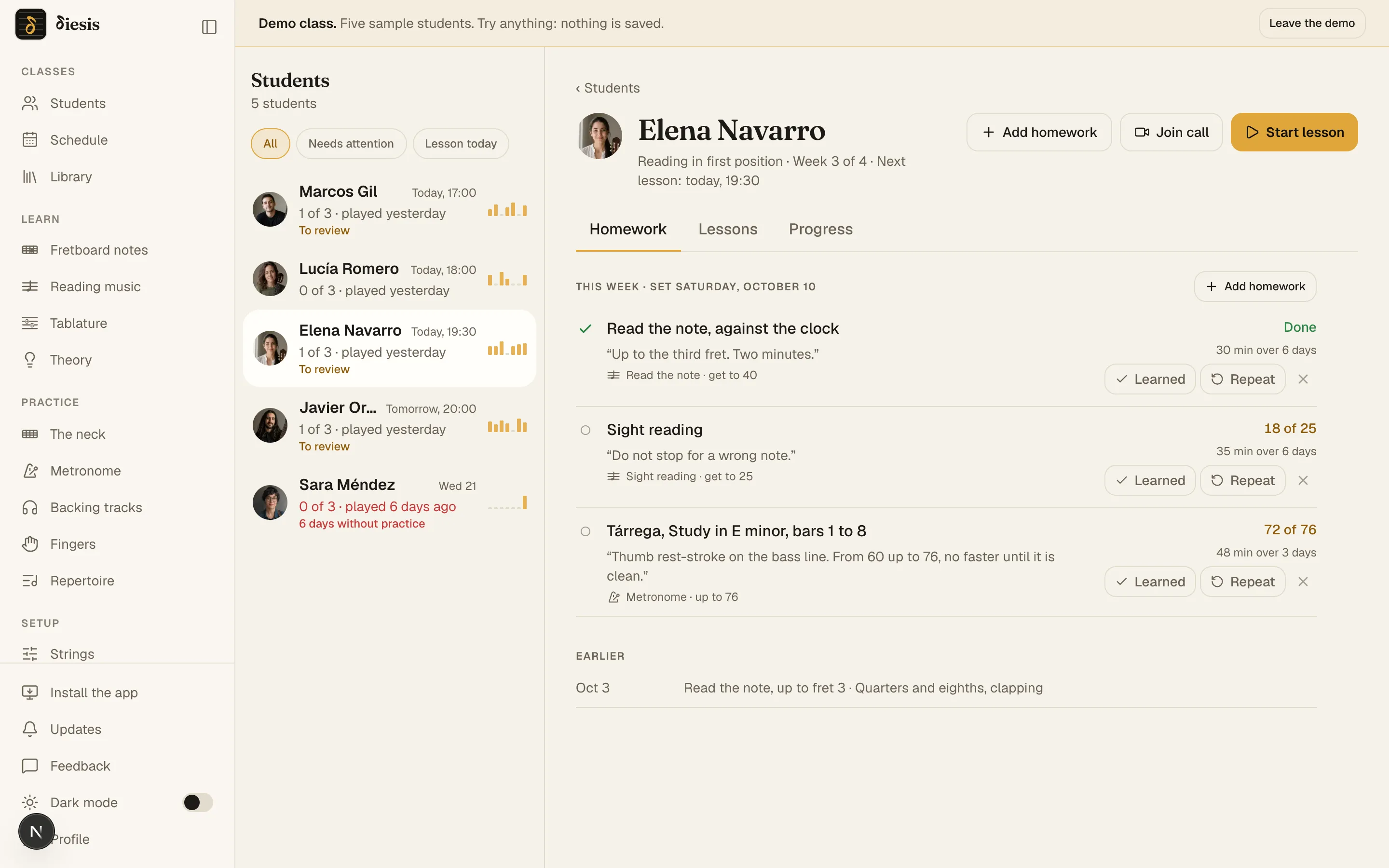
Upload your studies and pieces as PDF, Guitar Pro or MusicXML and set them as homework with the bars and the tempo you decide. Before each lesson you know what tempo each student plays them at and how much they practiced. And the lesson itself happens on a call that doesn’t flatten a guitar’s dynamics.
Nothing to install · Phone or computer · An account each
Set your scores as homework, with the bars and the tempo you decide.
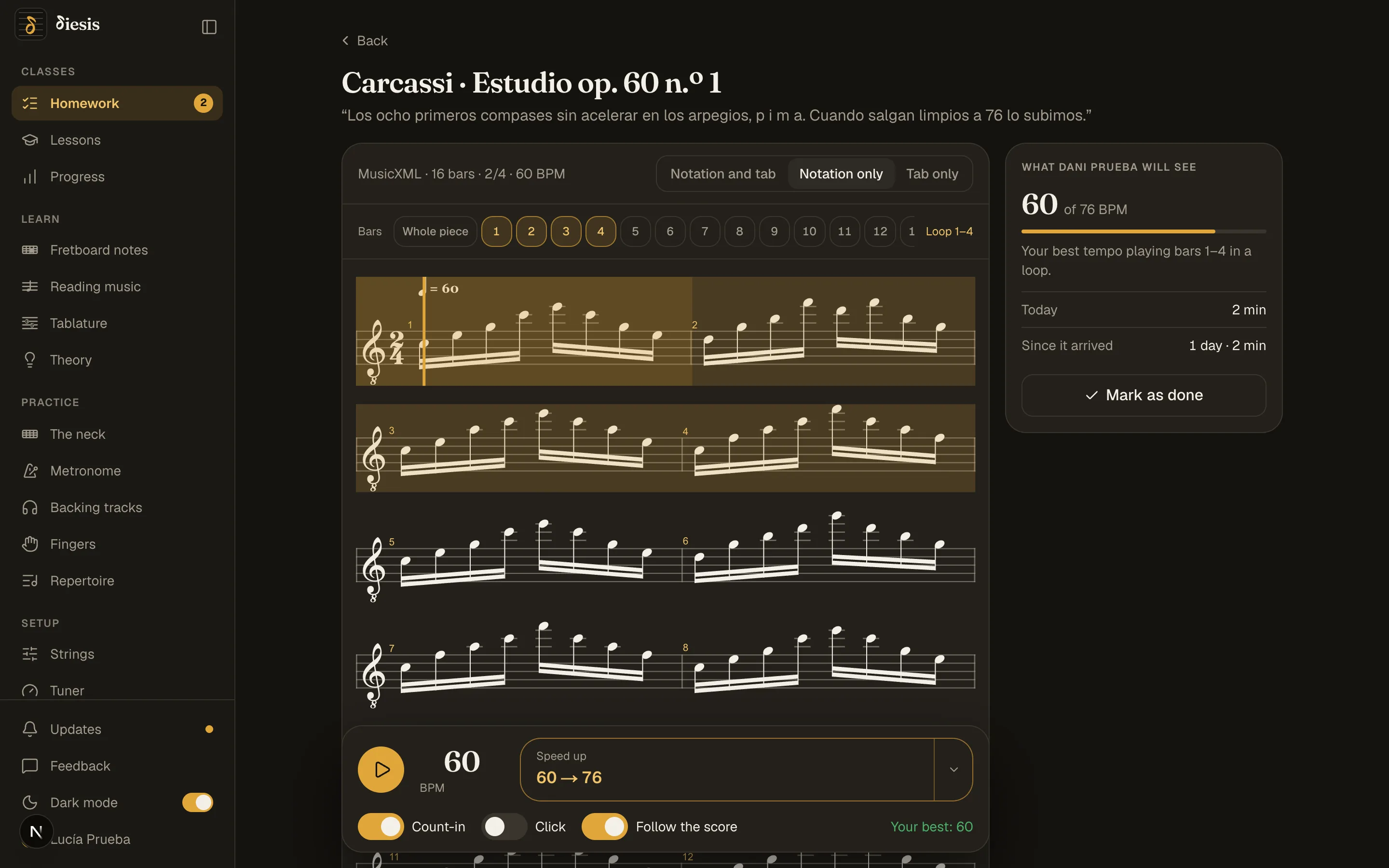
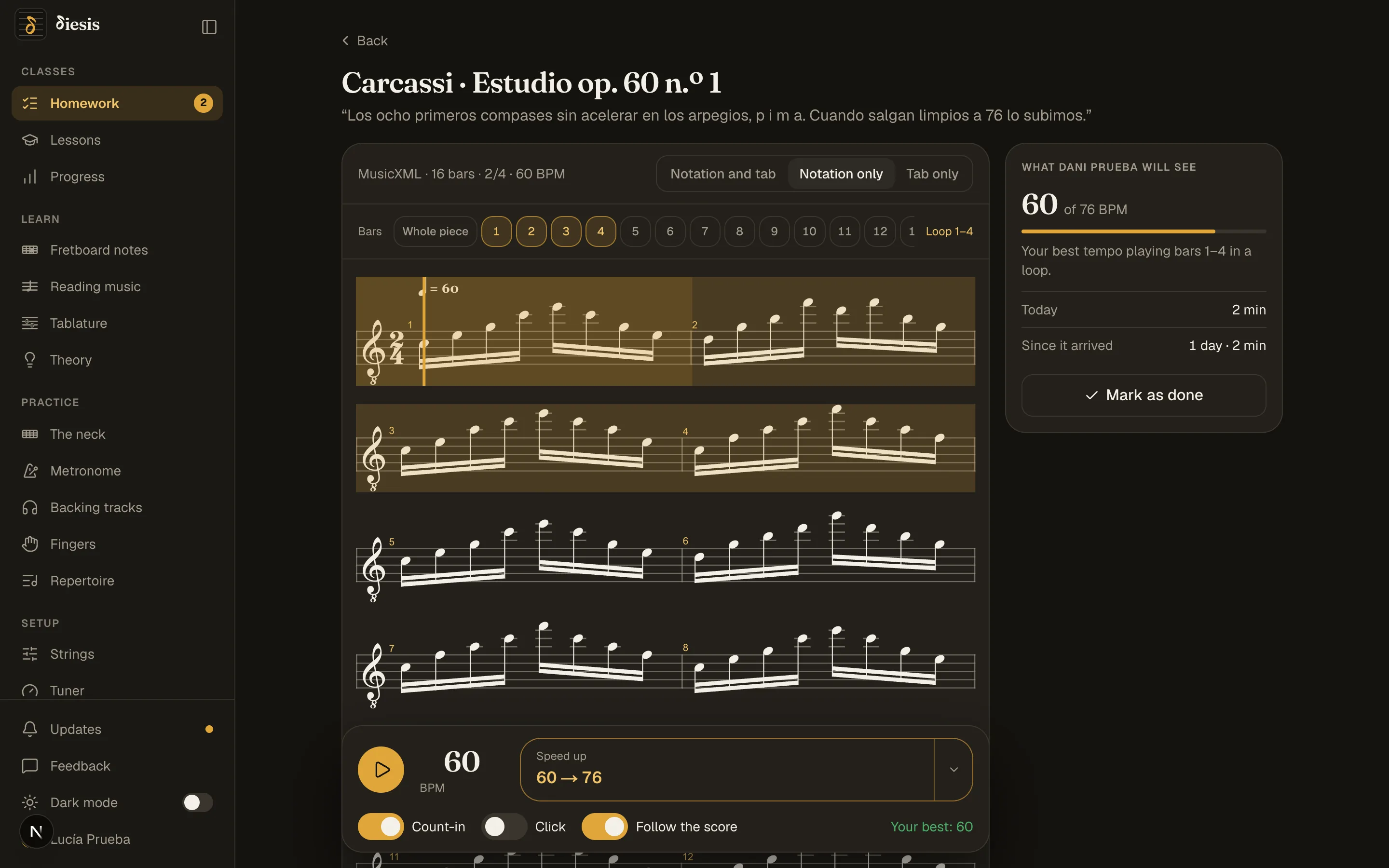
PDF, picture, Guitar Pro or MusicXML. Your student opens it inside Diesis, in a loop, with a count-in and a click, and every whole loop counts: the fastest one is their mark.
Your library, once
Upload each study once and set it for several students at a time. It is private: only the students you set it for see it, and only while they are your students.
The bars and the tempo you decide
From the whole piece down to four bars. A fixed tempo, or a climb: from 60 to 76, four beats more every two whole loops.
The fastest loop is the mark
Diesis doesn’t listen to the guitar: it counts whole loops at the tempo. You see the mark before the lesson and decide Learned or Repeat.
Video calls that respect a classical guitar’s dynamics.
Zoom and the like clean up voices and treat the guitar as noise: a pianissimo disappears and the sustain gets cut. Diesis switches those filters off and sends the sound in stereo.
| Diesis against a free Zoom account | Diesis | Zoom, free |
|---|---|---|
| Guitar sound on from the start, in stereo | A setting to find | |
| Lessons longer than 40 minutes | ||
| Notes and homework beside the call | ||
| A neck and a piano you both play | ||
| The student keeps the lesson afterwards | ||
| Price | Free in preview | Free up to 40 min |
Speakers work. With headphones on, turn on Headphones in Sound and camera for the cleanest sound.
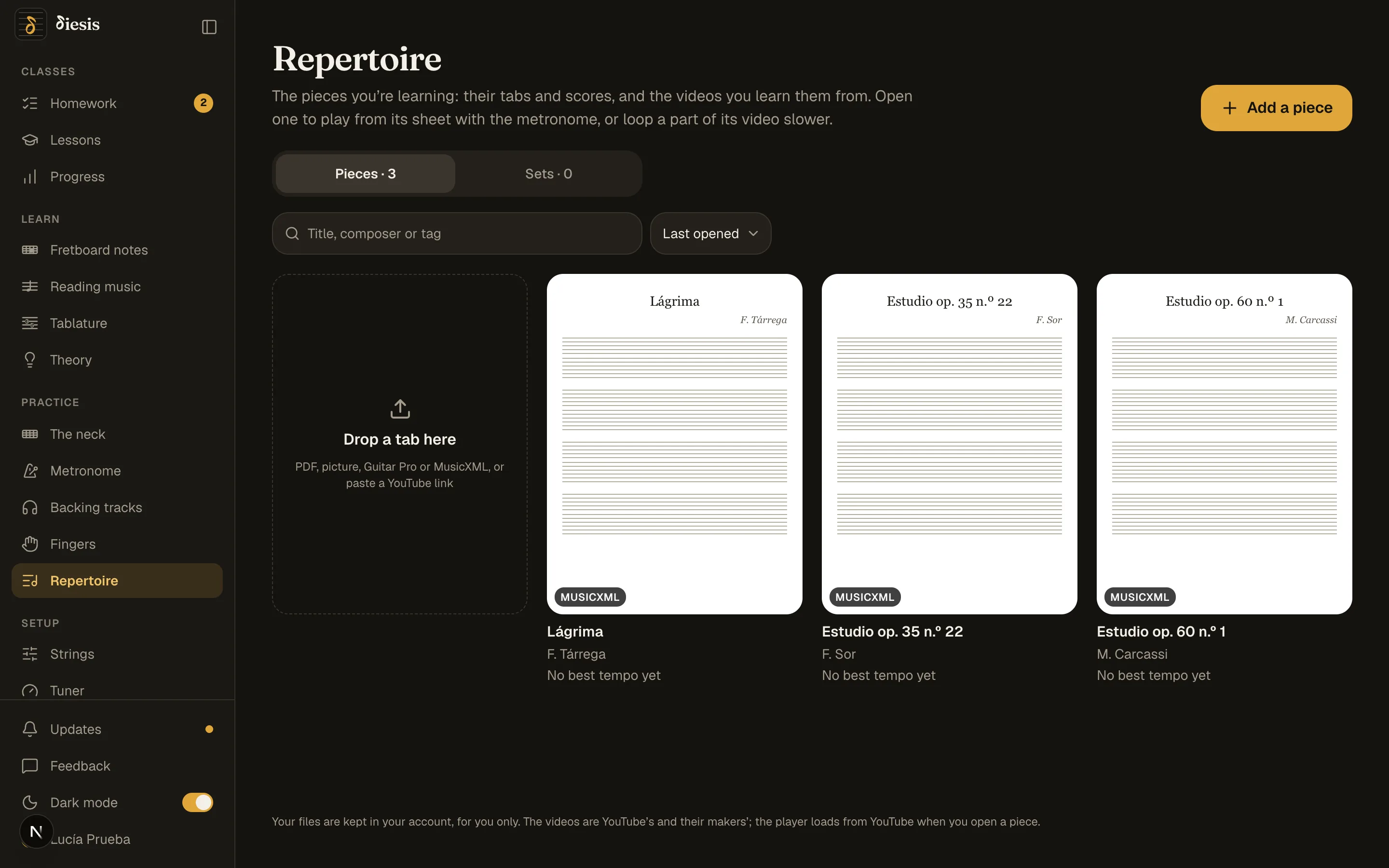
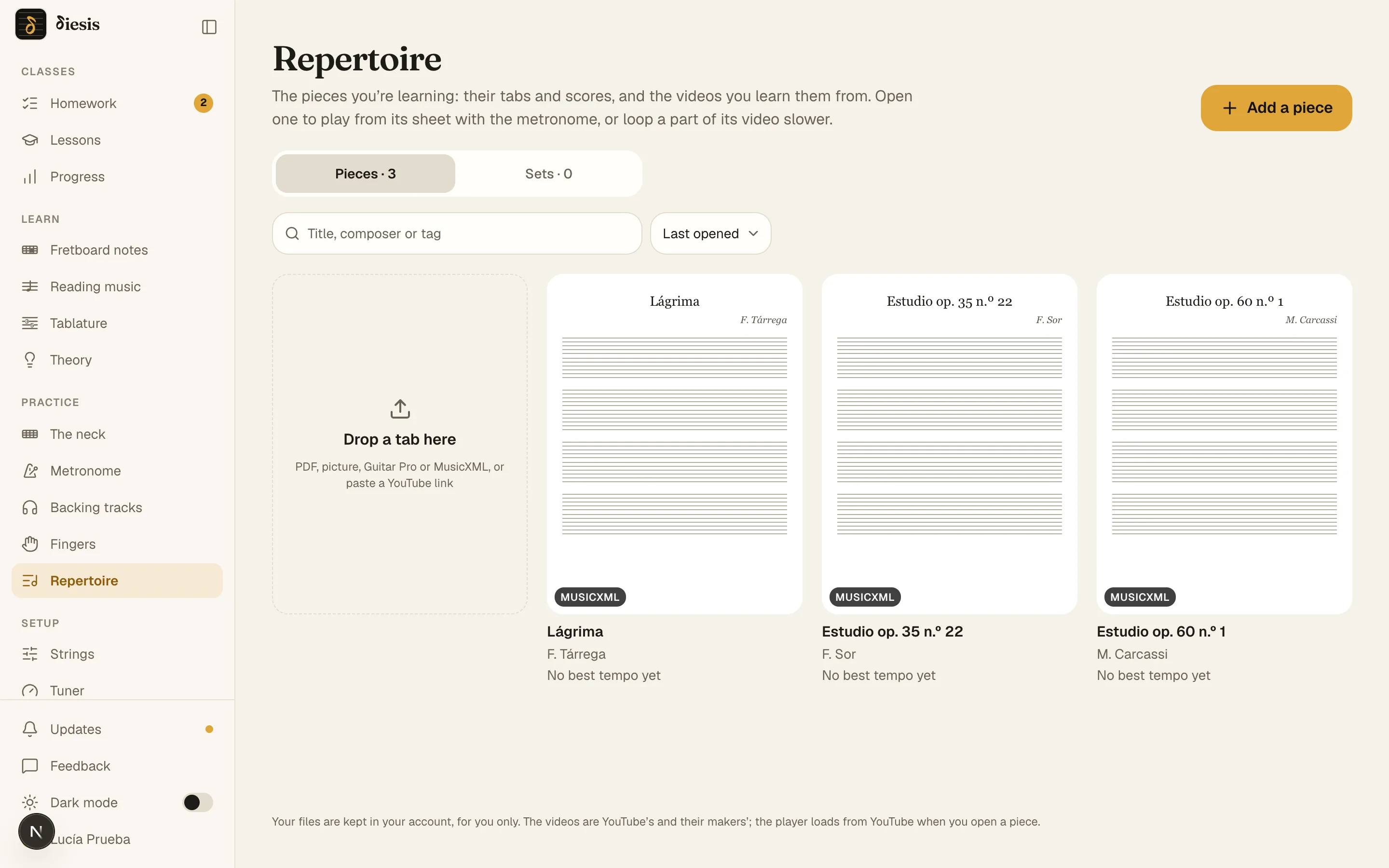
They practice at home on a stand that carries the metronome.
Their scores as PDF, picture, Guitar Pro or MusicXML, on a shelf like a digital music stand’s, with the metronome underneath and Speed up. What they practice each day, minutes and tempo, reaches you before the lesson.
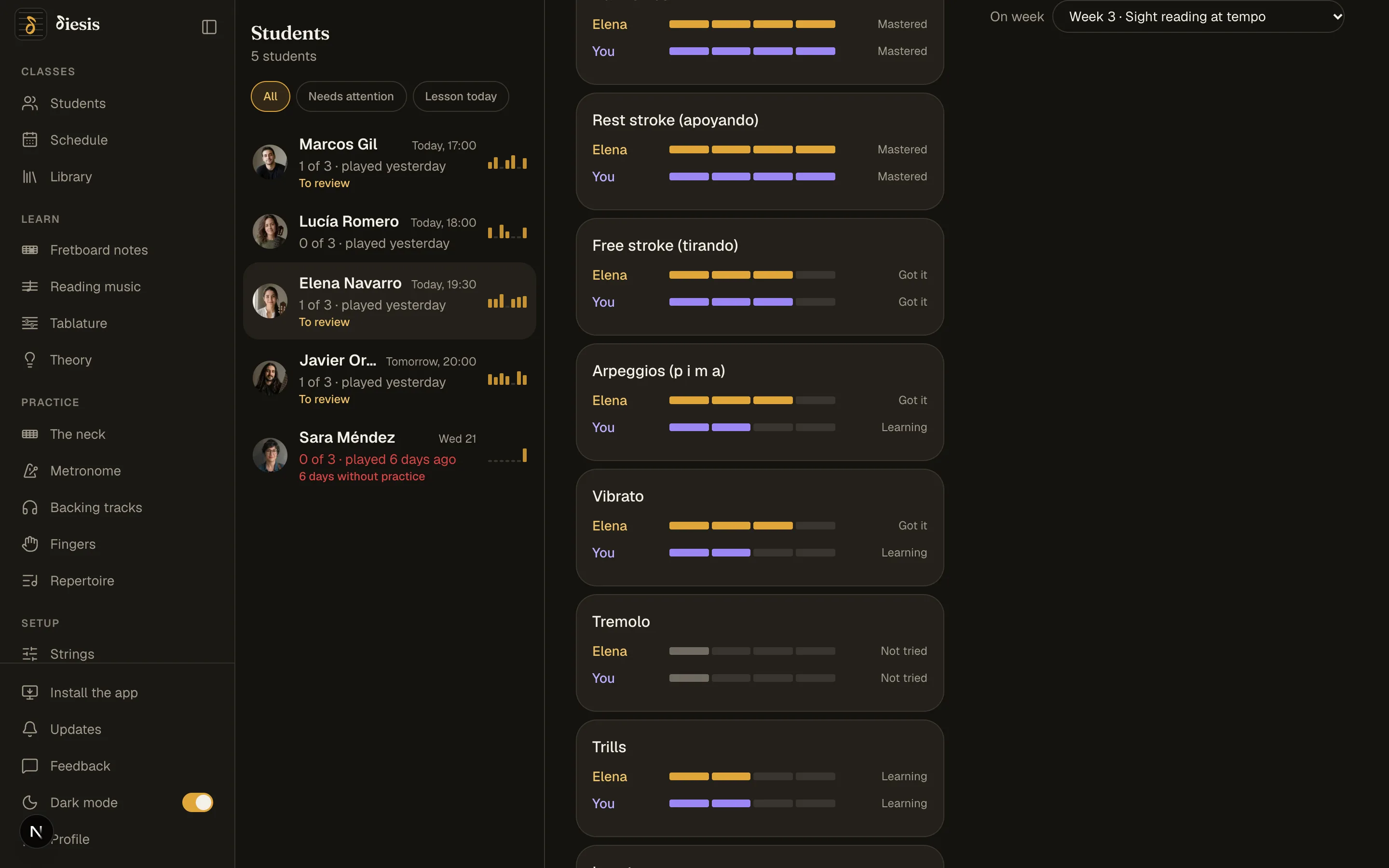
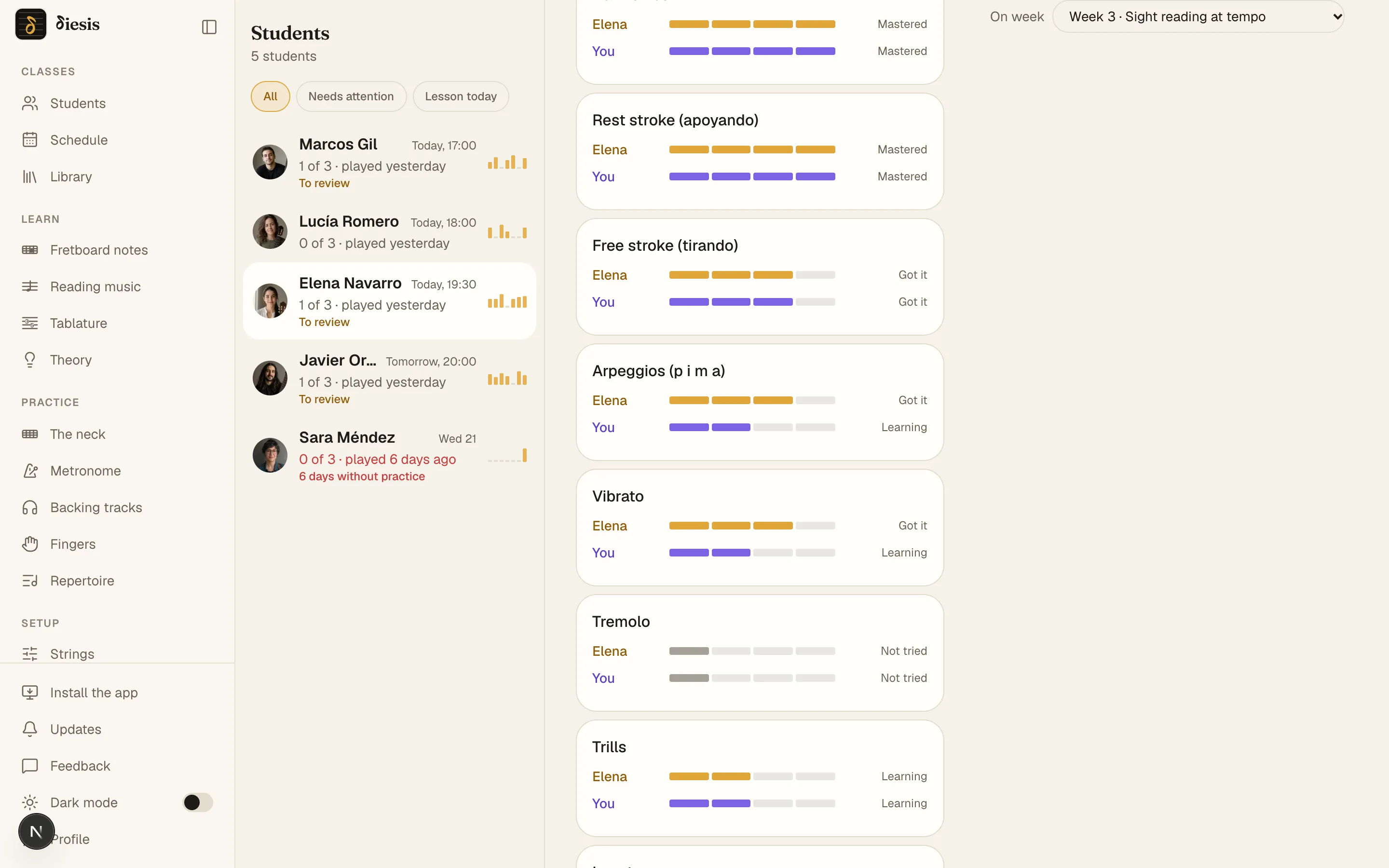
Measure each student’s reading and technique, and give the verdict yourself.
Four sheet-music reading exercises on the neck, from the first three positions up to the twelfth fret. And a list of techniques with two opinions: the student’s and yours.
Naturals only for now, in the part of the neck you choose: frets 0–3, 0–7 or 0–12. Accidentals are the next level.
Invite your first student
Three ways. As soon as they accept, they see your homework and you see their practice.
Your first score as homework, before the next lesson.
Create your teacher account
Email and a six-digit code, or Google. No password, no card.
Upload your first score
PDF, Guitar Pro or MusicXML. Diesis reads it and tells you how many bars it has, the meter and the tempo.
Set it for a student
Pick the bars and the tempo, starting and target. Next lesson you already know what tempo they play it at and how much they practiced.
Before you upload your first score.
Can I upload my own scores?
Yes: PDF, picture, Guitar Pro (.gp, .gp5, .gpx) and MusicXML (.musicxml, .mxl). They are private. Only the students you set them for see them, and only while they are your students.
Does a classical guitar sound right on the call?
Yes. Diesis switches off the noise suppression and the automatic gain that flatten the dynamics, and sends the sound in stereo. Speakers work; with headphones the echo cancelling goes off too and it is the cleanest.
Does it work for conservatory students?
It works for any student you work through scores with: you set the program, the bars and the tempo, and Diesis measures. What counts as learned is your call, not the app’s.
What about fingerings?
If your Guitar Pro or MusicXML file carries fingering, it is drawn as it is. Diesis doesn’t suggest fingerings of its own yet: it is on the plan.
Do my students need an account?
Yes, one each, free. They join from your link, by username or by email. The tools on their own, like the metronome and the tuner, work on their page without one.
What does it cost?
Nothing while Diesis is in beta: as many students as you like, their lessons on the call, the homework and the progress. It will be paid for teachers at some point, and you’ll hear well before.
Diesis, written for what you teach.
Diesis for guitar teachers
The call, homework from the tools and each student’s progress, whatever you teach: electric, acoustic, metal or jazz.
See the page