Your online guitar lessons, the homework and every student’s progress, in one place.
A video call that sounds like a guitar, with a neck and a piano you both play. Homework set from the tools themselves. And between lessons, track each student’s practice and progress.
Nothing to install · Phone or computer · An account each

From one lesson to the next, all in Diesis.
What a week looks like with any of your students.
You teach the lesson on the call
The guitar comes through as it sounds: no noise filter, no automatic volume, stereo, and no 40-minute limit. Open the neck or the piano to show what you mean: what either of you plays lights up on both screens.
Homework for next time
Piano · your teacher leads it
You set the homework from the tool
Leave the metronome, a scale on the neck or an exercise the way you want it, give it a target and press Set as homework. Or set a PDF, a picture or a Guitar Pro file from your library.
Your student practices with everything ready
Each homework opens the tool exactly as you left it, on a phone or a computer, and one button chains them into a practice session.
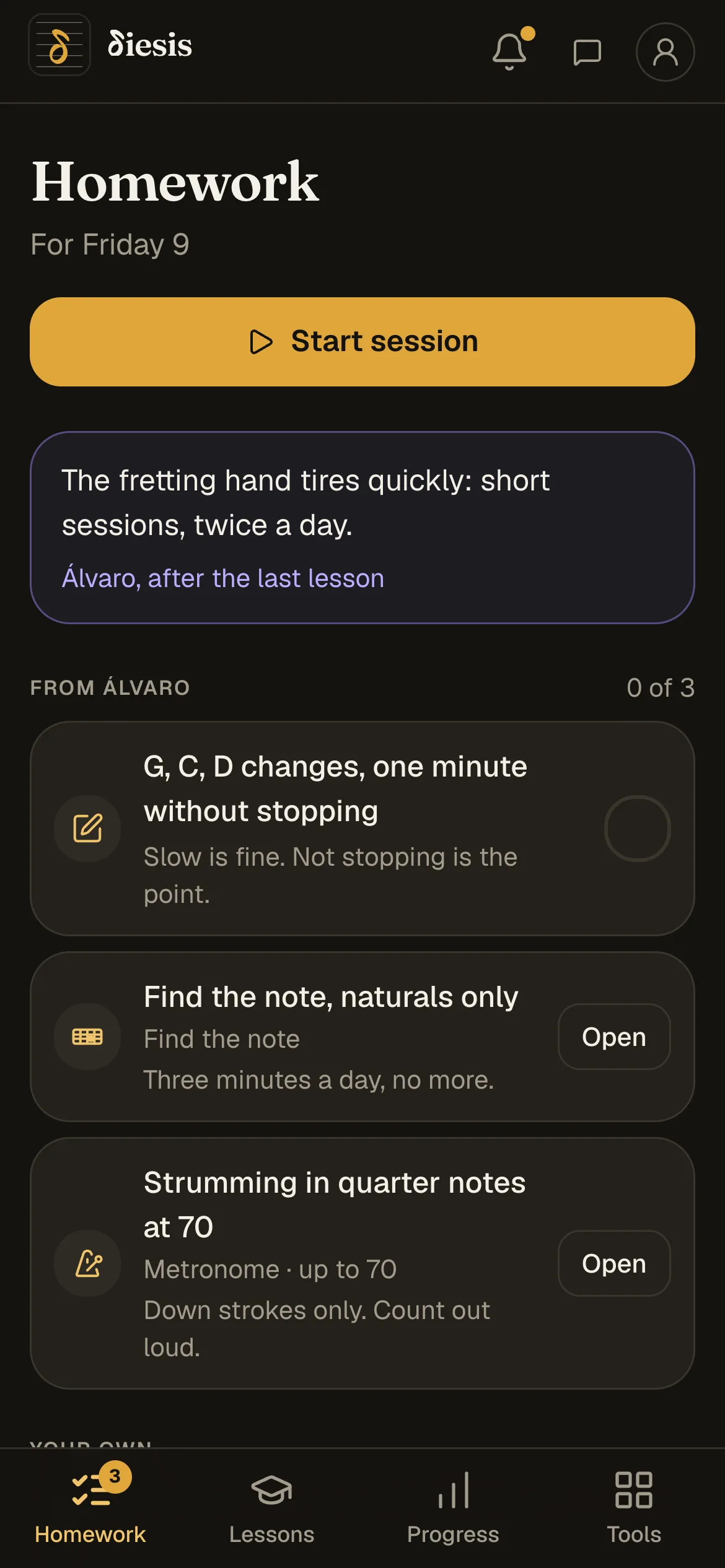
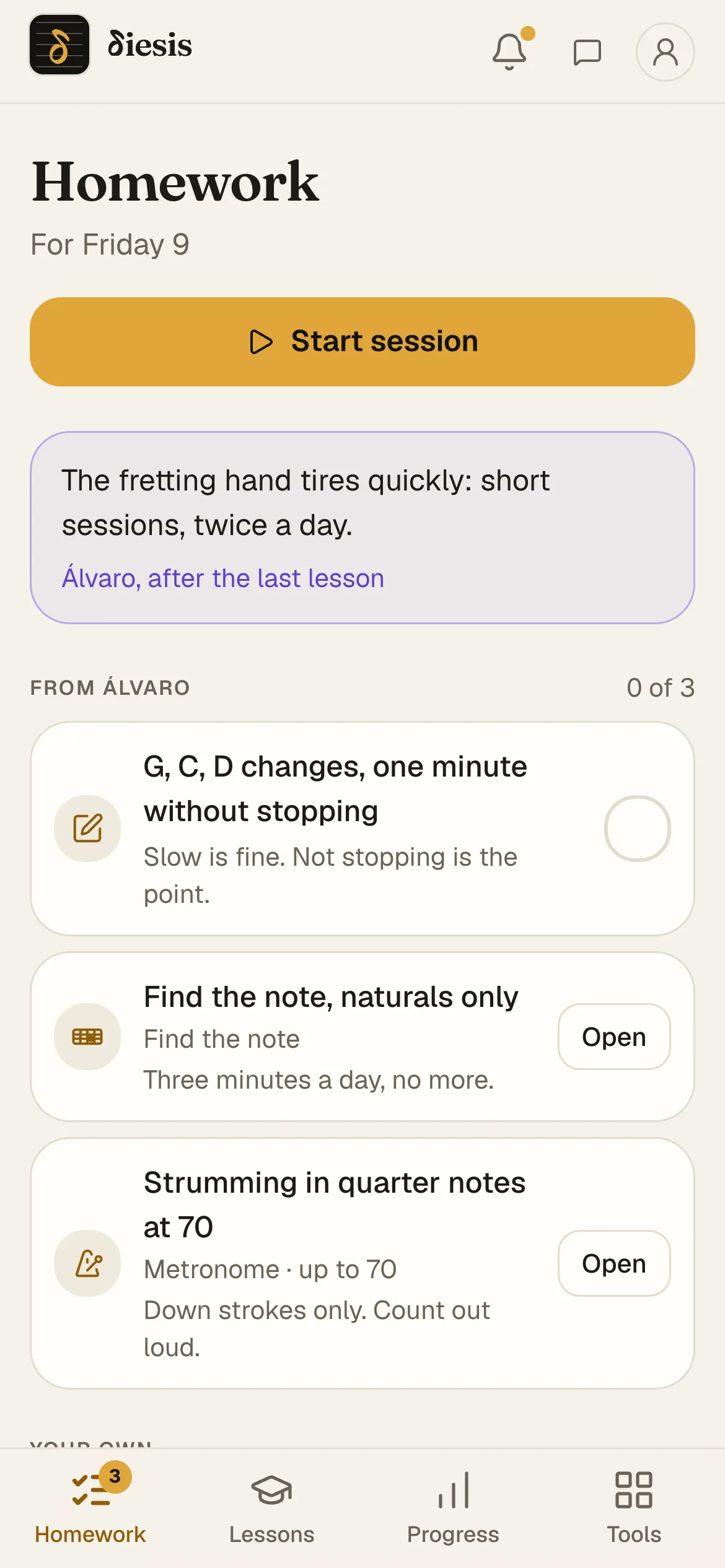
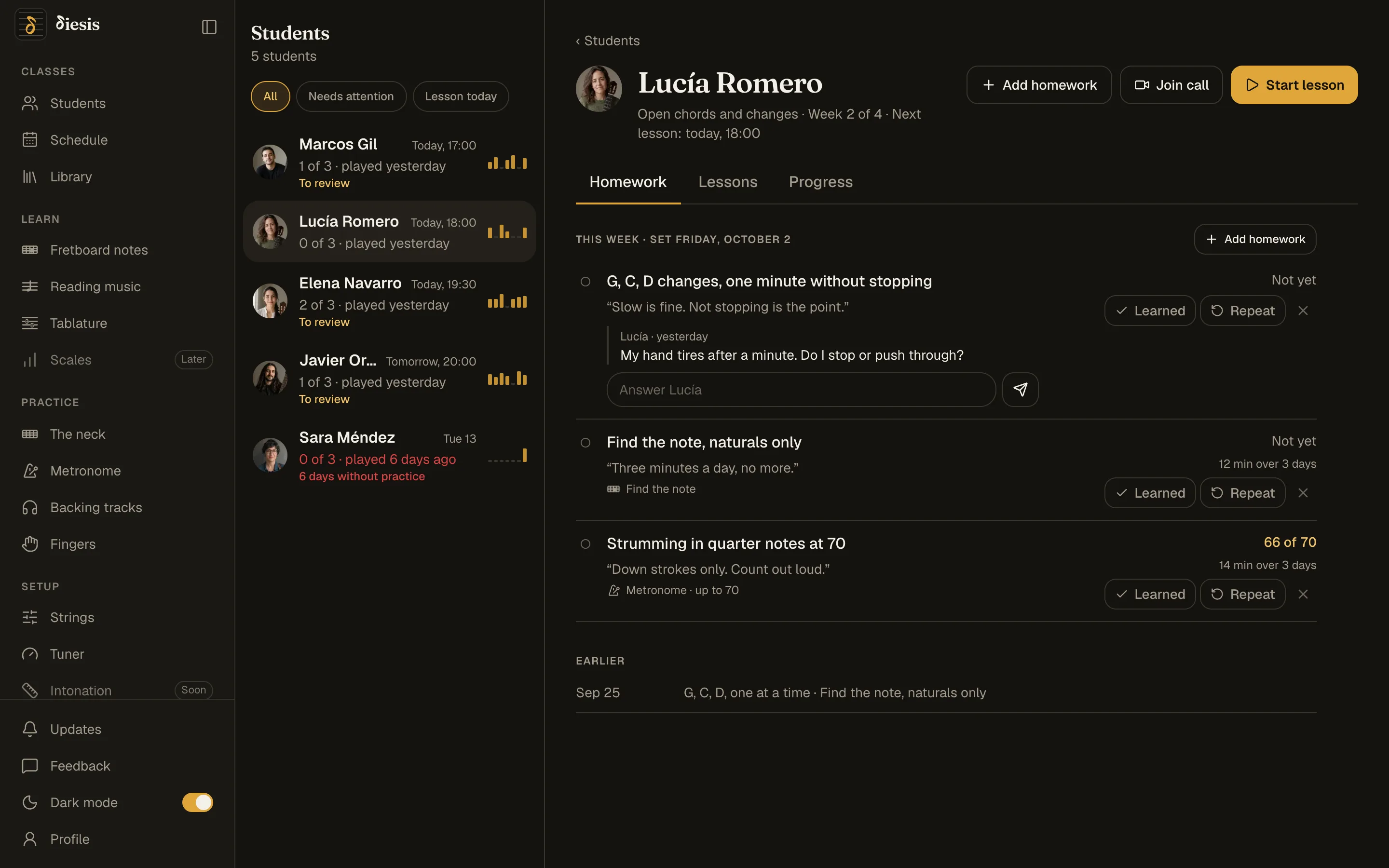
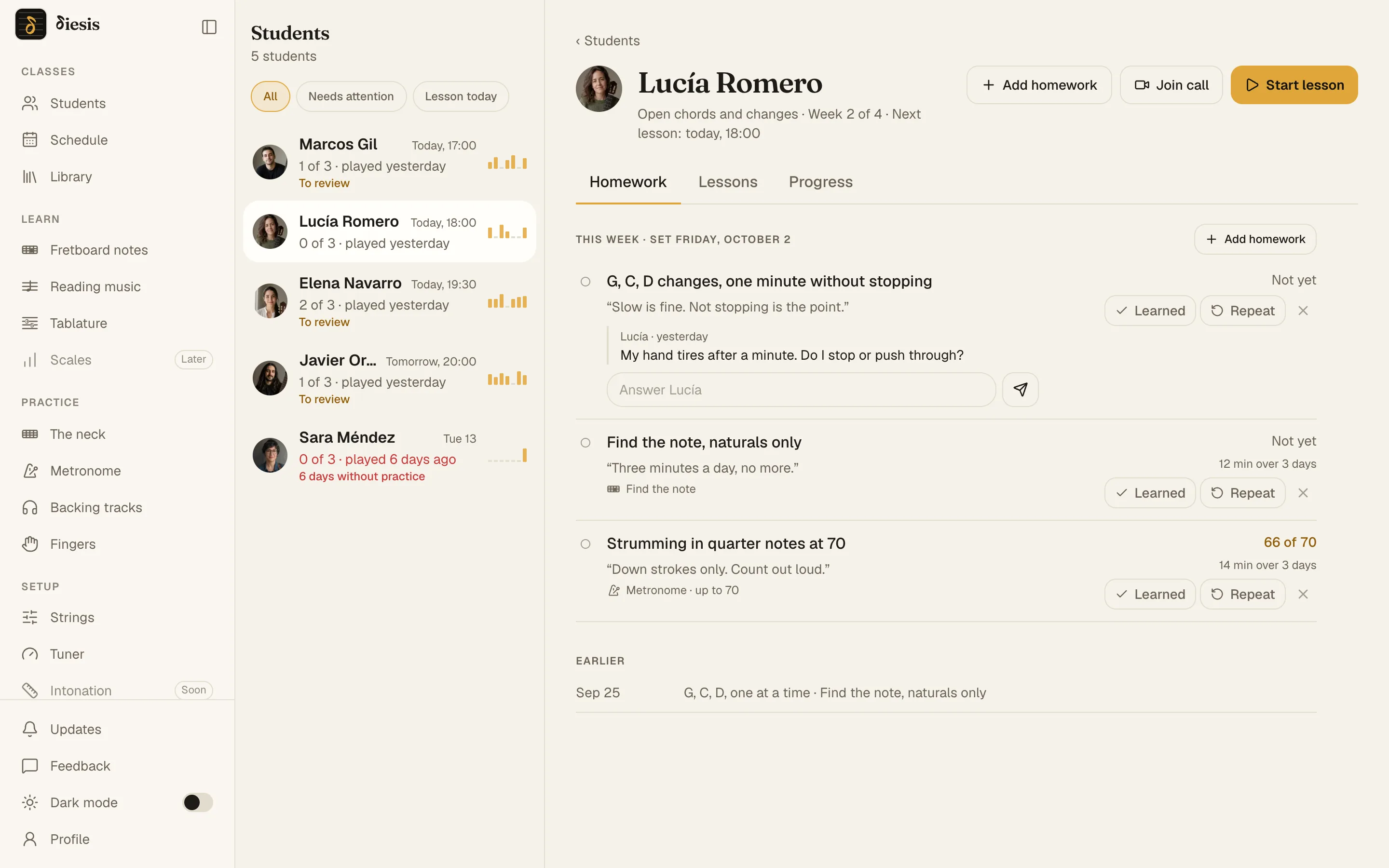
You track their practice and progress between lessons
The tempo reached, the best score, the minutes and the days, on each student’s page. The verdict is yours: Learned, or Repeat.
Every tool your students practice with, set the way you want.
Fretboard notes, reading music and tab, the metronome, repertoire, backing tracks, the tuner and strings: any of them can be homework.
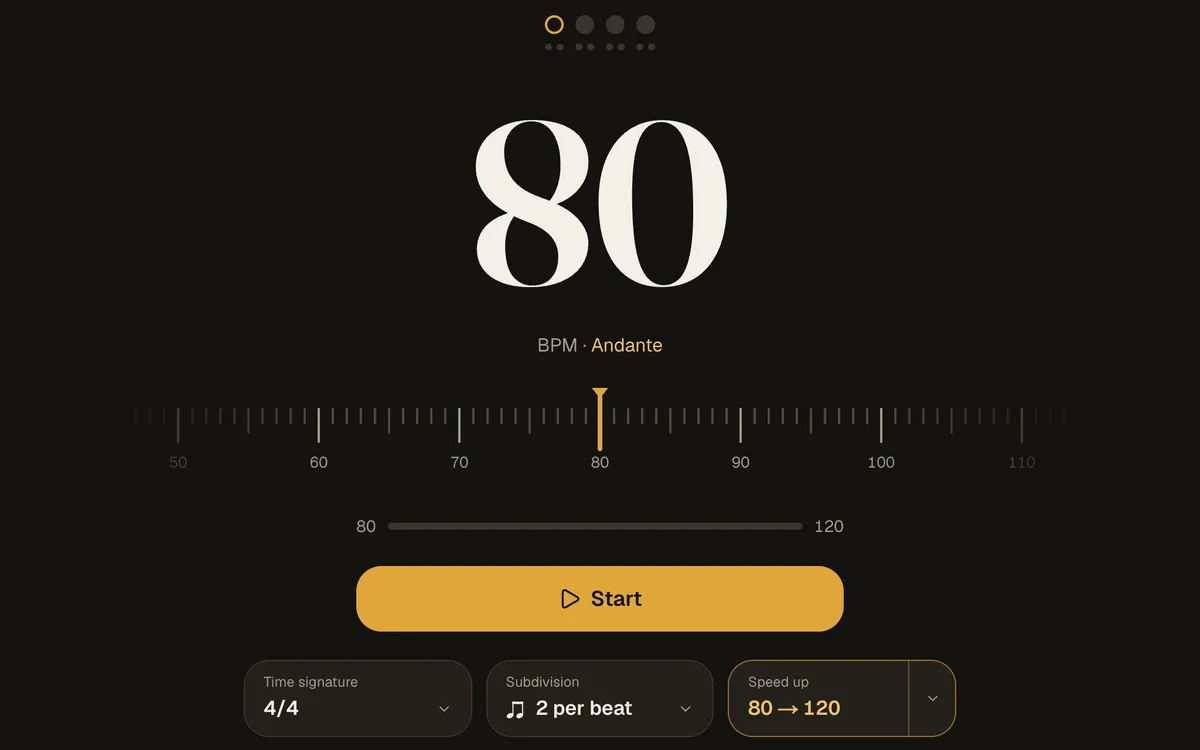
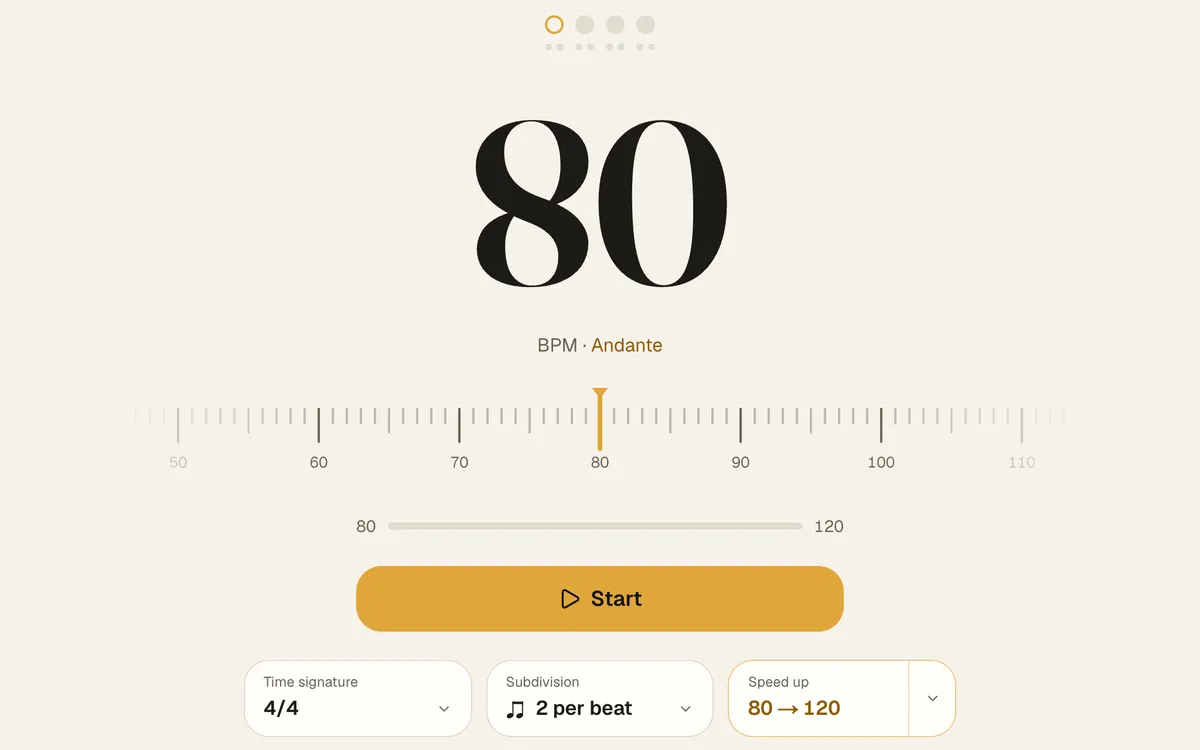
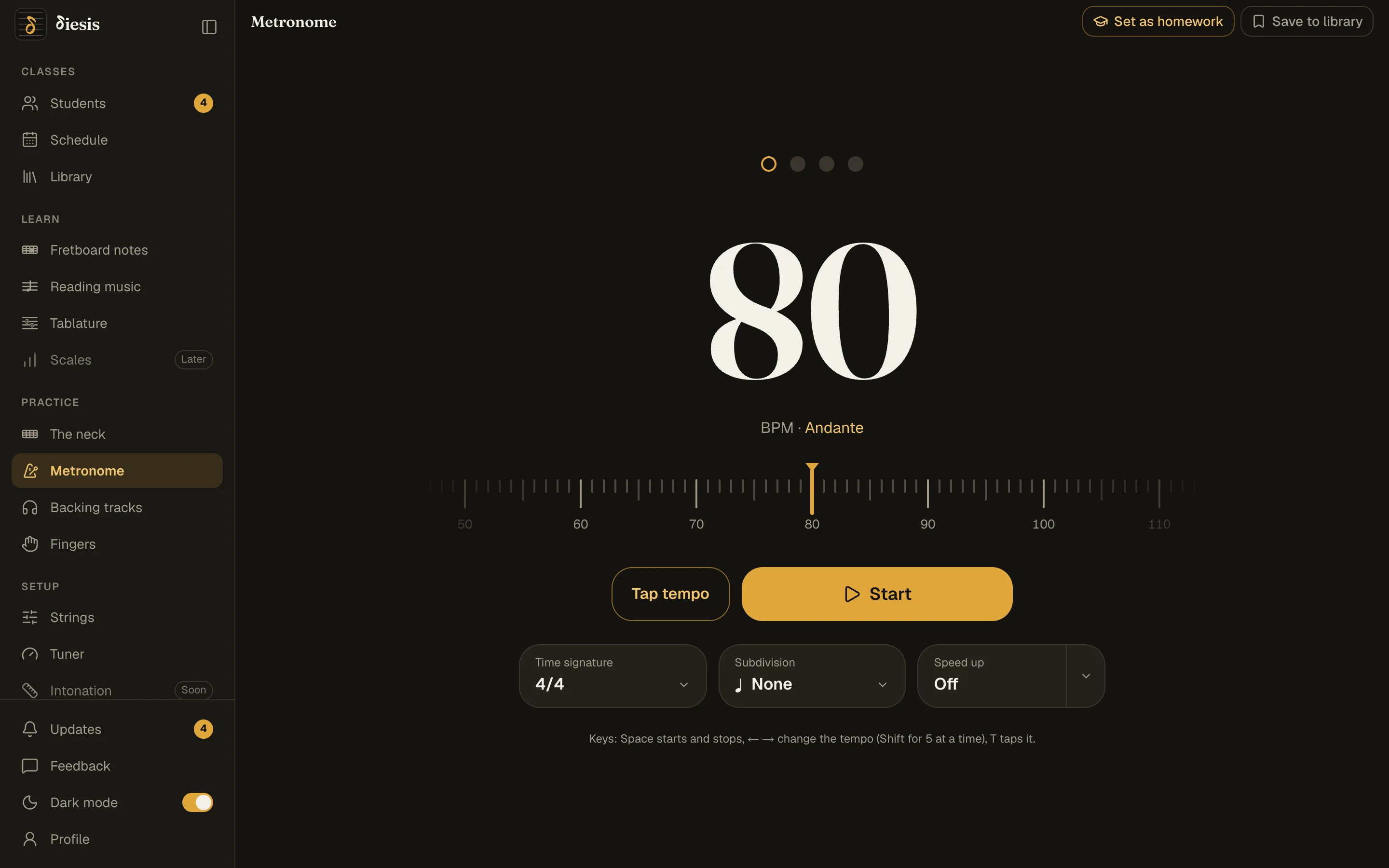
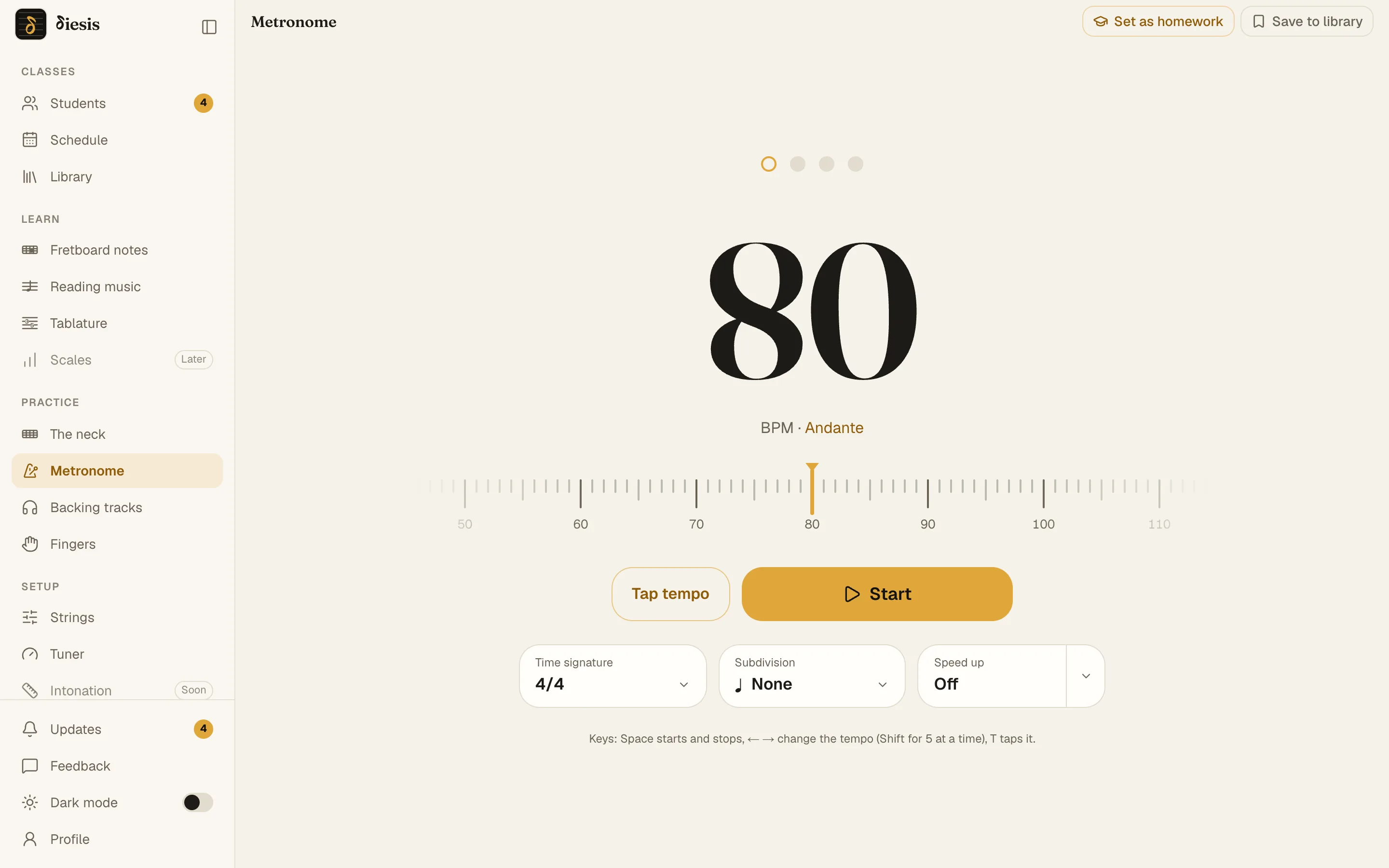
Metronome and Speed up
Tap the tempo, pick the subdivision, and let it climb from 80 to 120 a step every few bars.
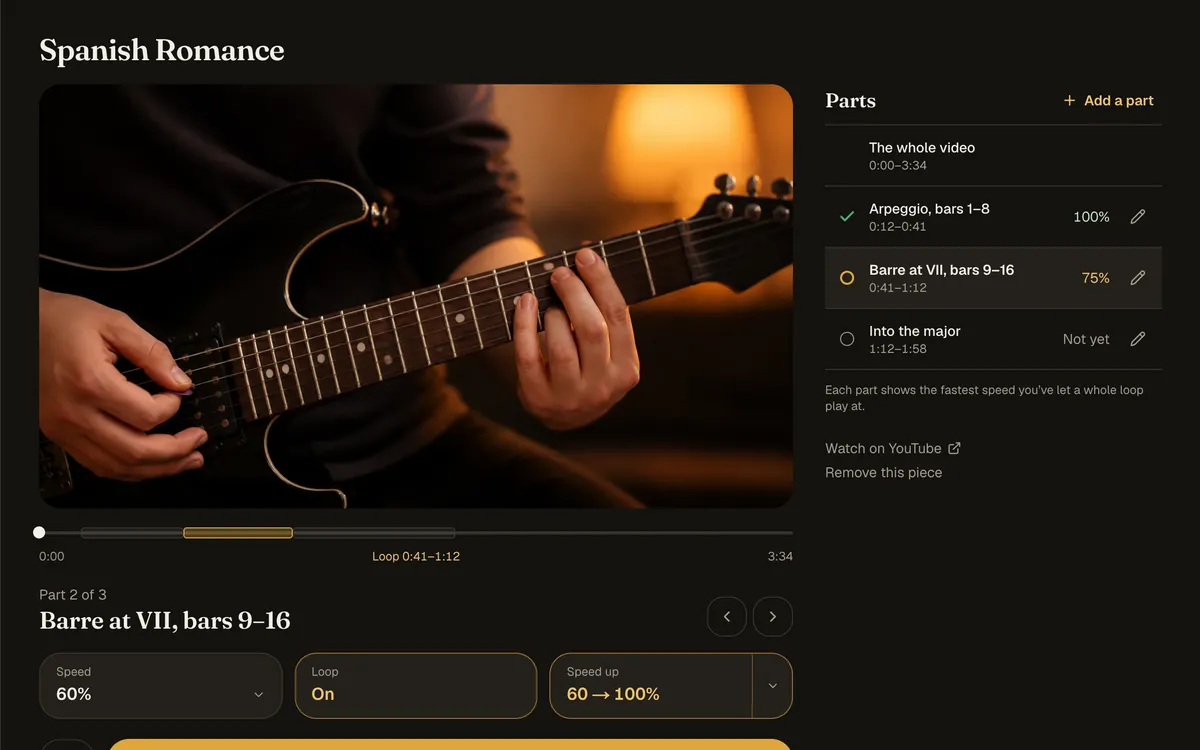
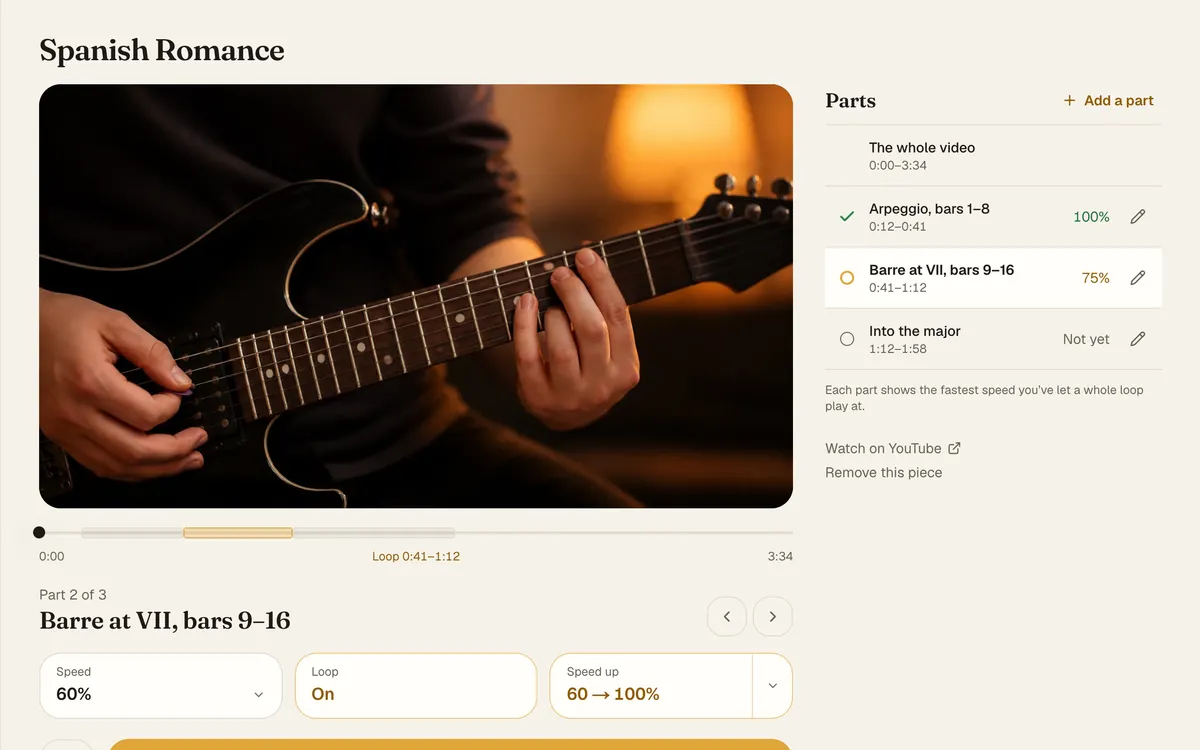
Repertoire
Your pieces in one place: play from their tabs and scores with the metronome, and loop their videos slower.
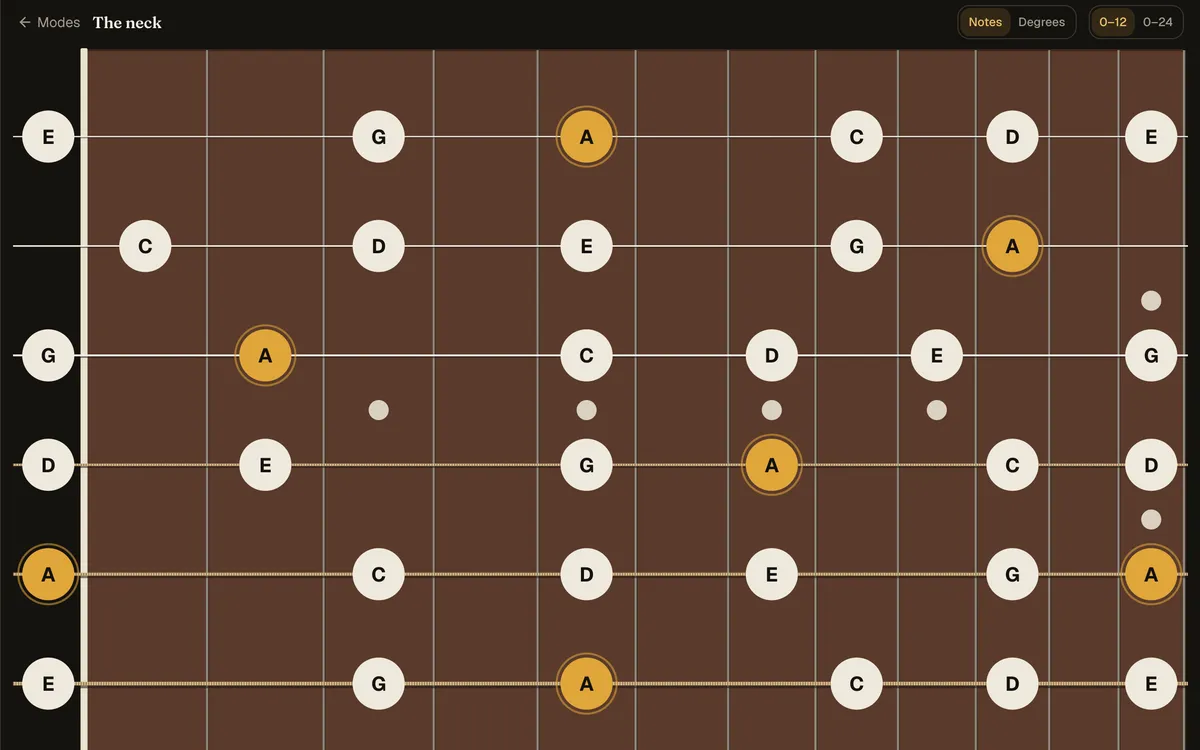
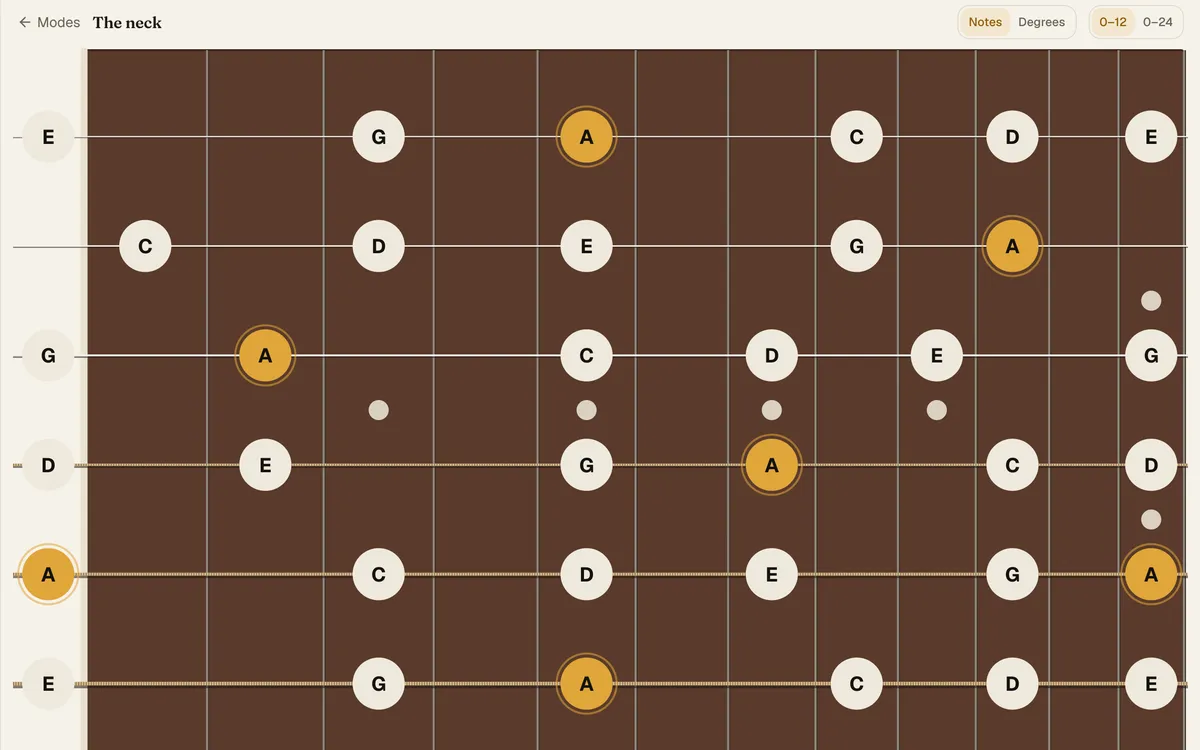
The neck
Every scale on the whole neck from any root, with note names or degrees. Tap a note to hear it.
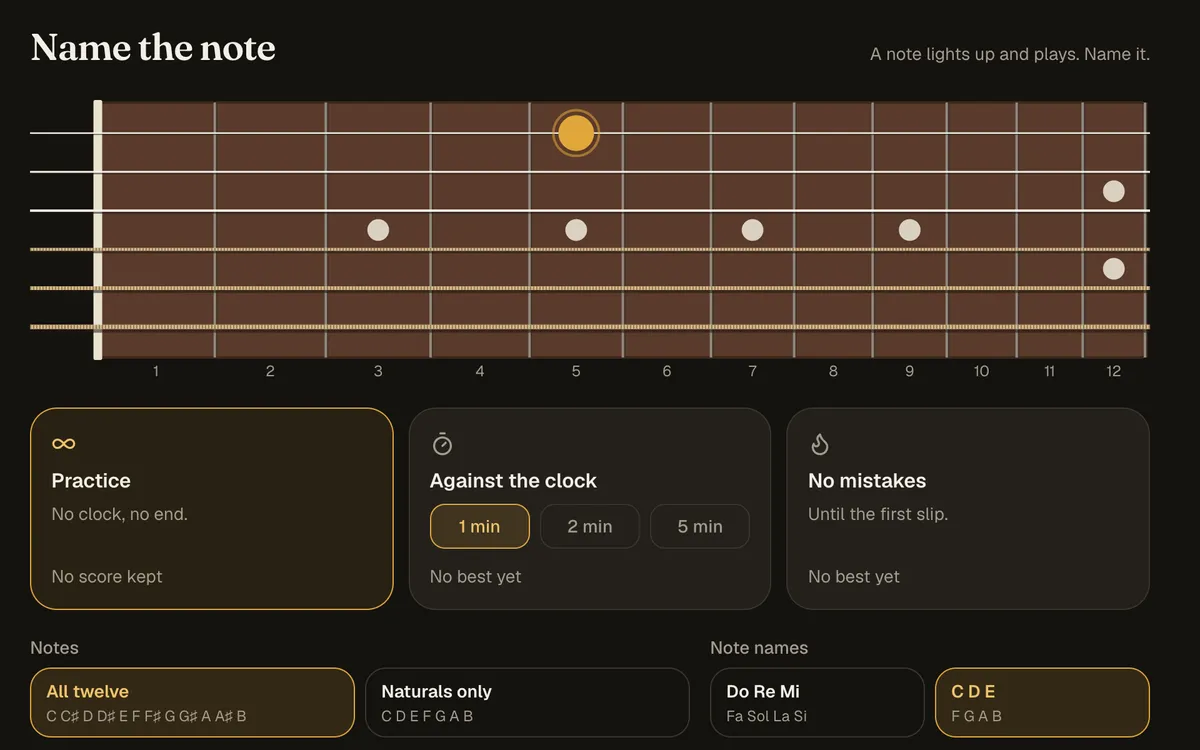
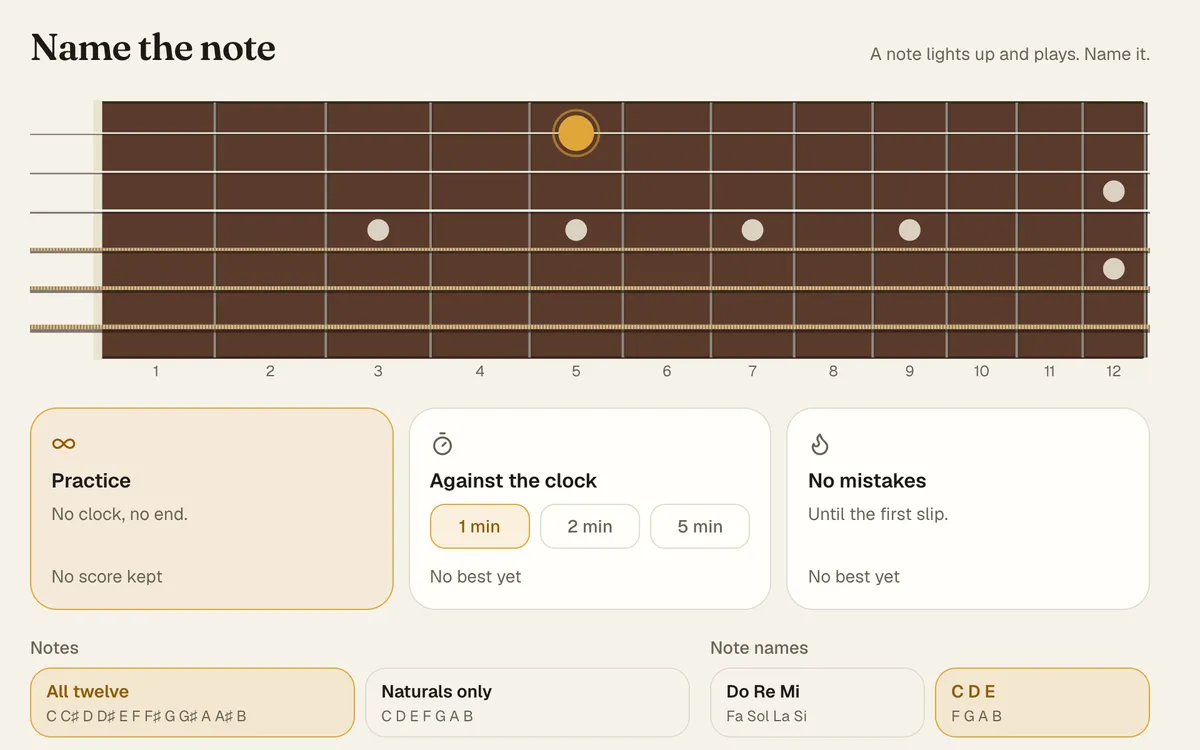
Fretboard notes
Name the note and Find the note, at your own pace, against the clock or until the first slip.
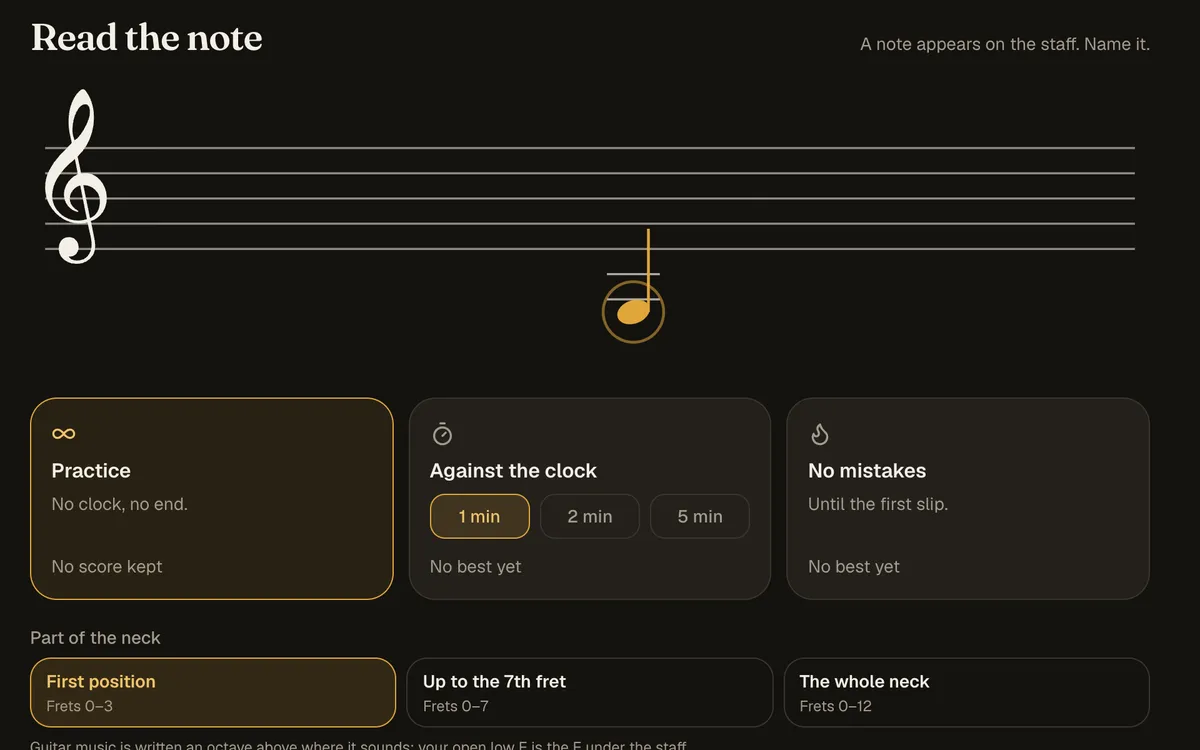
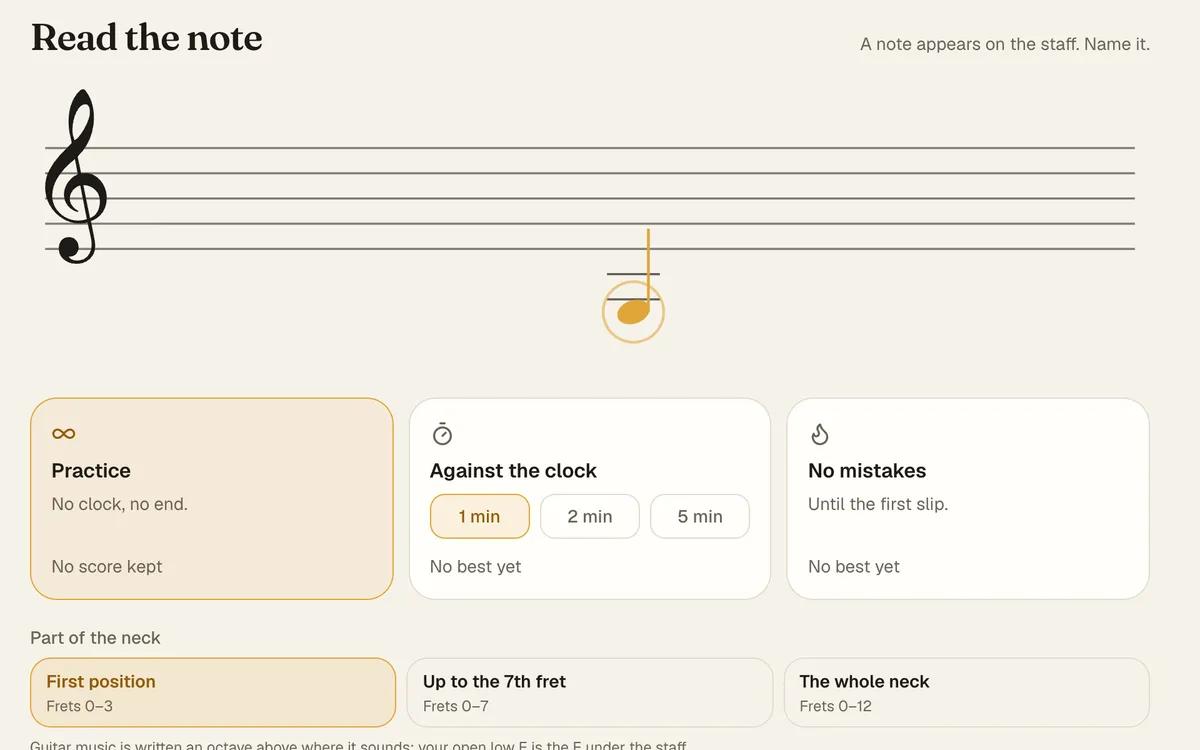
Reading music
Read the note, Staff to neck, Read a bar and Sight reading, from first position to the whole neck.
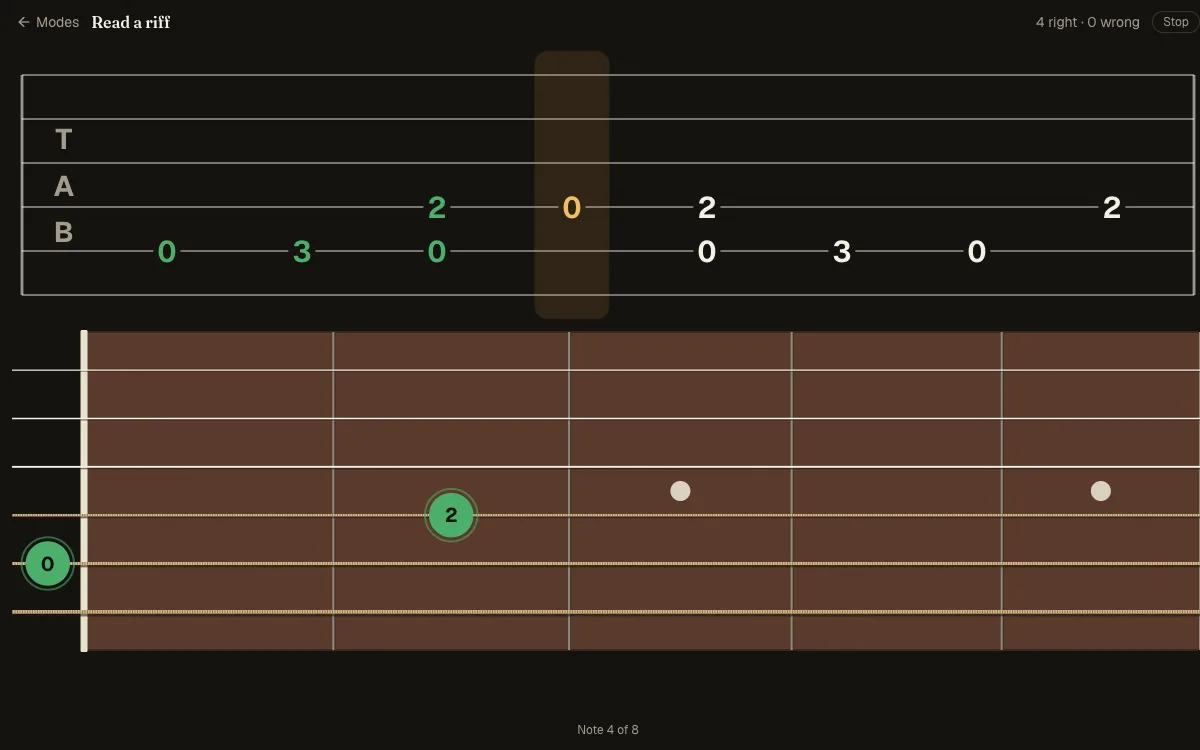
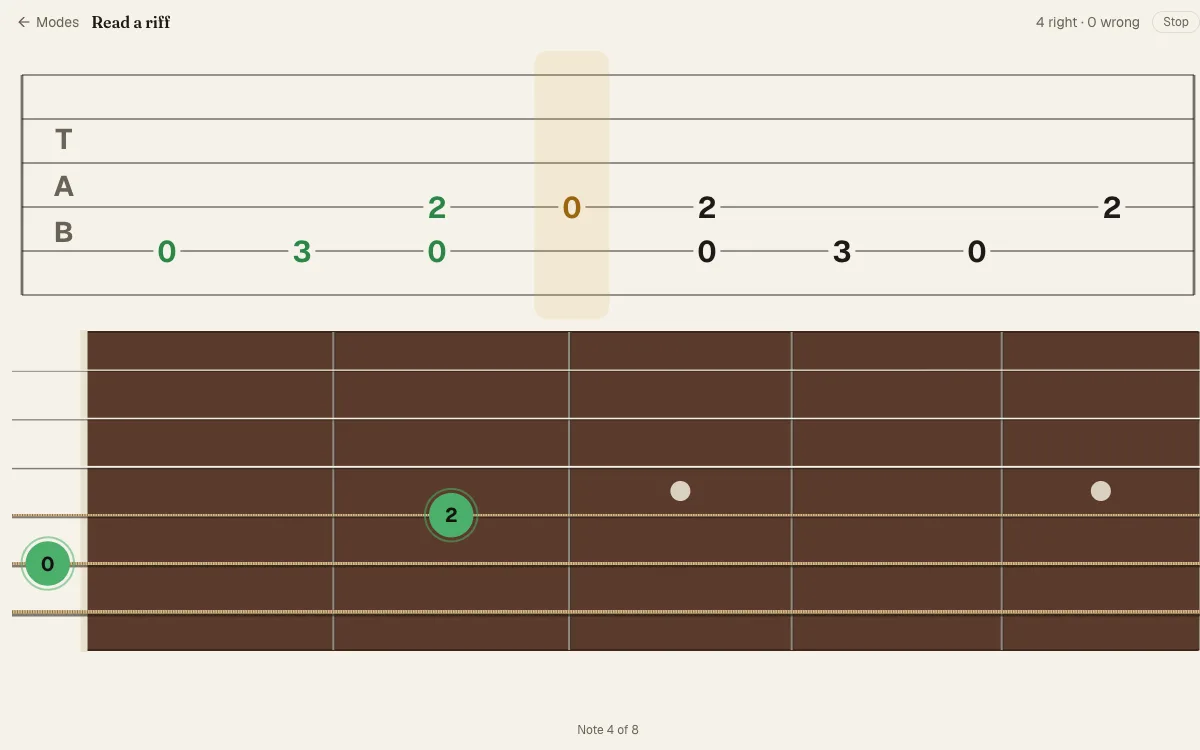
Tablature
Tab to neck, Neck to tab, Read a riff and Tab symbols: from one number to a whole riff and every sign in it.
Your first student, in a minute.
Create your account
With your email or with Google. Choose teacher, then your name and your username.
Add your students
By @username or email if they are on Diesis, or send them a link to sign up. They accept, and they’re your students.
Teach the first lesson
Set their first homework, and start the call from the lesson.
Free while Diesis is in beta.
For you and for your students, with no limit on students or lessons. It will be paid at some point, and you’ll hear well before.
Questions teachers ask
Does my student need an account?
Yes, a free one. If they are on Diesis, add them by @username or email; if not, send them a link to sign up. Either way they accept you as their teacher.
Do we need to install anything?
No. Diesis runs in the browser, on a phone or a computer, for both of you.
What do I need for the call?
A camera and your microphone or audio interface, picked on the call screen. Speakers work; headphones give the cleanest sound.
Can I use my own material?
Yes. Upload PDFs, pictures and Guitar Pro or MusicXML files to your library and set them as homework; a score plays inside the homework at the tempo you set. Or write a homework in your own words.
What does Diesis measure?
The fastest tempo reached on the metronome or a score, the score of each finished exercise, and the minutes per tool and per day. It does not record anyone playing.
Does it work for lessons in person?
Yes. The homework and the progress work the same when you meet in a room; the call is there for when you don’t.
How many students can I have?
As many as you like.
What does it cost?
Nothing while Diesis is in beta, for you or your students. It will be paid at some point, and you’ll hear well before.