Guide

How to teach guitar online.

Teaching guitar on a video call comes down to three things: the sound, the camera, and what your student takes away from each lesson. Here’s how to get each one right, whether you teach on Zoom or on Diesis.

  1. 01What you need to teach guitar online
  2. 02Make your guitar sound like a guitar on the call
  3. 03Frame the camera so both hands show
  4. 04Plan each lesson and write it down
  5. 05Set homework an adult can fit into the week
Your student · In the call
24:16
Microphone · audio interfaceCameraGuitar sound · onNeckLeave
1 · Gear

What you need to teach guitar online.

Less than you think. Start with what you have, and upgrade the sound first.

A computerA laptop or desktop rather than a phone: a bigger picture of your student’s hands, and room for your notes beside the call.
A cameraThe laptop’s own works. A USB webcam, or a phone on a stand, lets you show your fretting hand up close.
Your soundAn audio interface with your guitar and a microphone plugged in sounds far clearer than a laptop’s microphone. A USB microphone is the step in between.
HeadphonesClosed headphones keep your student’s sound out of your microphone, so the call can leave the guitar’s sound alone.
A steady connectionA cable to the router, or a seat close to it, so the picture doesn’t freeze in the middle of a riff.
2 · Sound

Make your guitar sound like a guitar on the call.

Meeting apps are built for voices: noise suppression cuts a held note short and automatic volume pumps with every strum. Turn both off.

On ZoomIn the audio settings, turn on Original sound for musicians, with high-fidelity music mode and stereo if you play through an interface. Then switch it on inside each meeting. Wear headphones: without the filters, speakers can echo.
On a free Zoom accountMeetings end at 40 minutes, so an hour-long lesson means joining twice.
On DiesisThe call starts with no noise filter and no automatic volume, in stereo, with your interface picked on the call screen and no time limit. Echo cancelling stays on for speakers; the Headphones switch turns it off.
Test it before the first lessonPlay a held chord and a quiet passage to a friend or a second device: the chord should ring out, and the quiet part should stay quiet.
Everything about online lessons on Diesis
Guitar sound
No noise filter · in stereo
3 · Camera

Frame the camera so both hands show.

Your student copies what they see, and you correct what you see.

Both hands in the picturePull the camera back until the fretting hand and the picking hand both fit, with the neck across the frame.
Level with the neckA camera at the height of the guitar, a little to the side of the fretting hand, shows the fingers on the frets instead of the top of your head.
Light from the frontA window or a lamp behind the camera, not behind you, so your hands aren’t in shadow.
Close-ups on a second cameraA phone on a stand pointed at the fretboard shows chord shapes and fingerings up close.
Ask your student to do the sameSend them these points before the first lesson. A camera that shows only a face makes the whole lesson harder.
4 · The lesson

Plan each lesson and write it down.

On a call it’s easy to lose what was said. A short plan before and notes during make every lesson start from the last one.
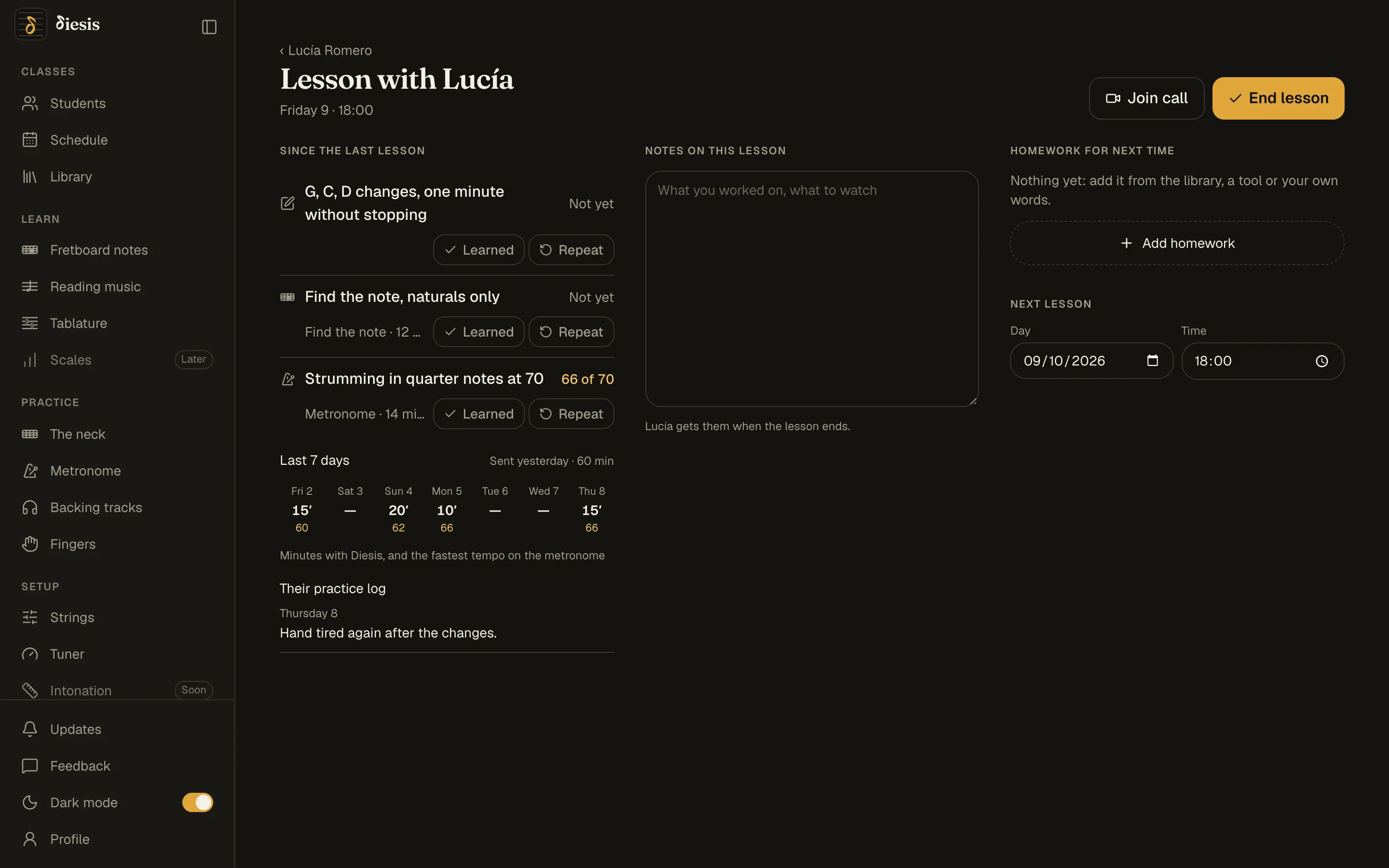
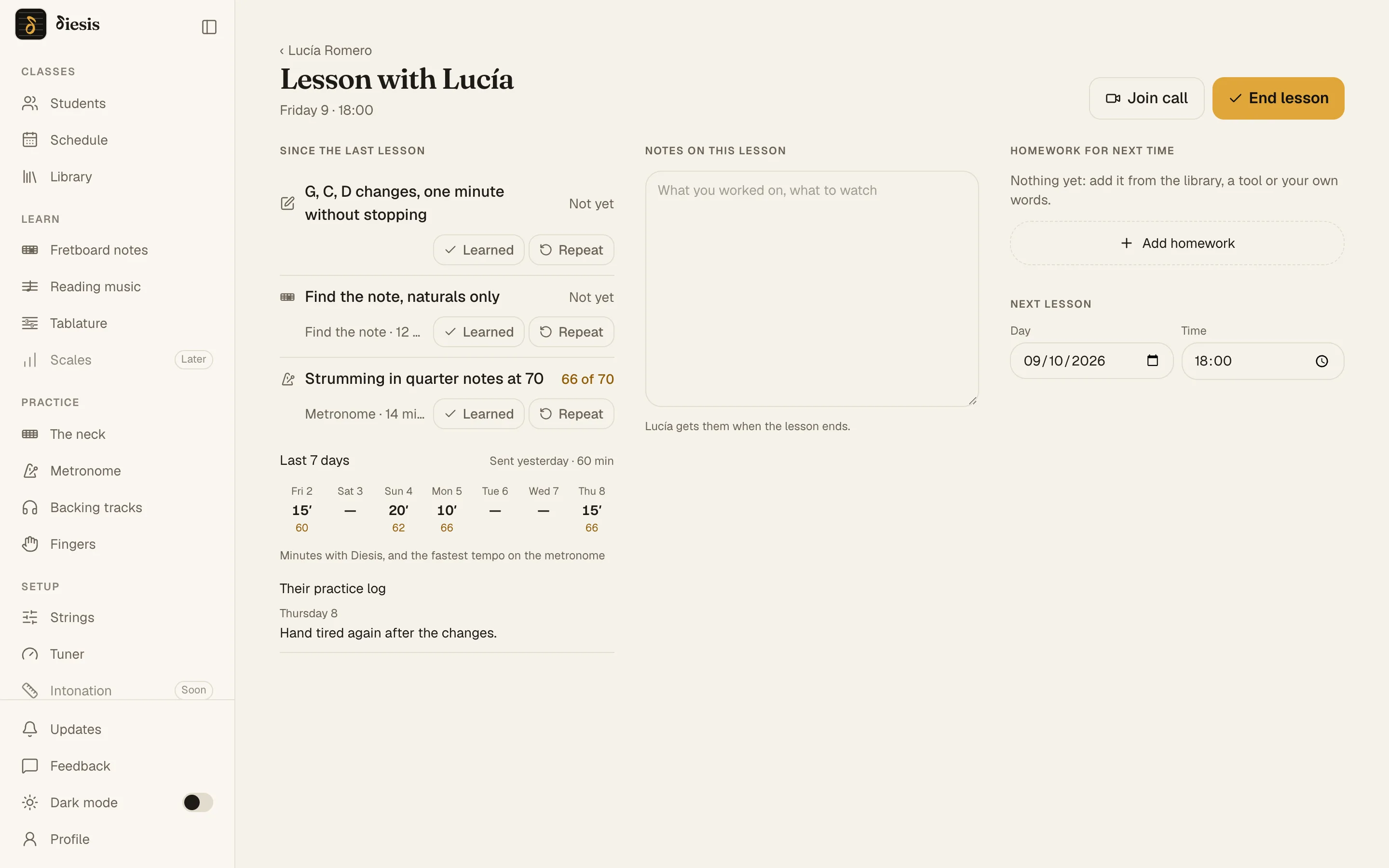
Start from last weekBefore the call, look at how far the homework got and what your student asked. Begin there.
Notes as you goWhat you worked on, what to watch, and what changes next time.
Homework before you hang upTwo or three things, each with a target, written where your student will find them.
Let your student keep itNotes and homework they can open after the call beat anything said aloud.
diesis.app/students/…/lesson
Lesson mode under the call: since the last lesson, notes, homework for next timeLesson mode under the call: since the last lesson, notes, homework for next time
5 · Between lessons

Set homework an adult can fit into the week.

Adult students practice around work and everything else. Homework that is short, concrete and measured is homework that gets done.
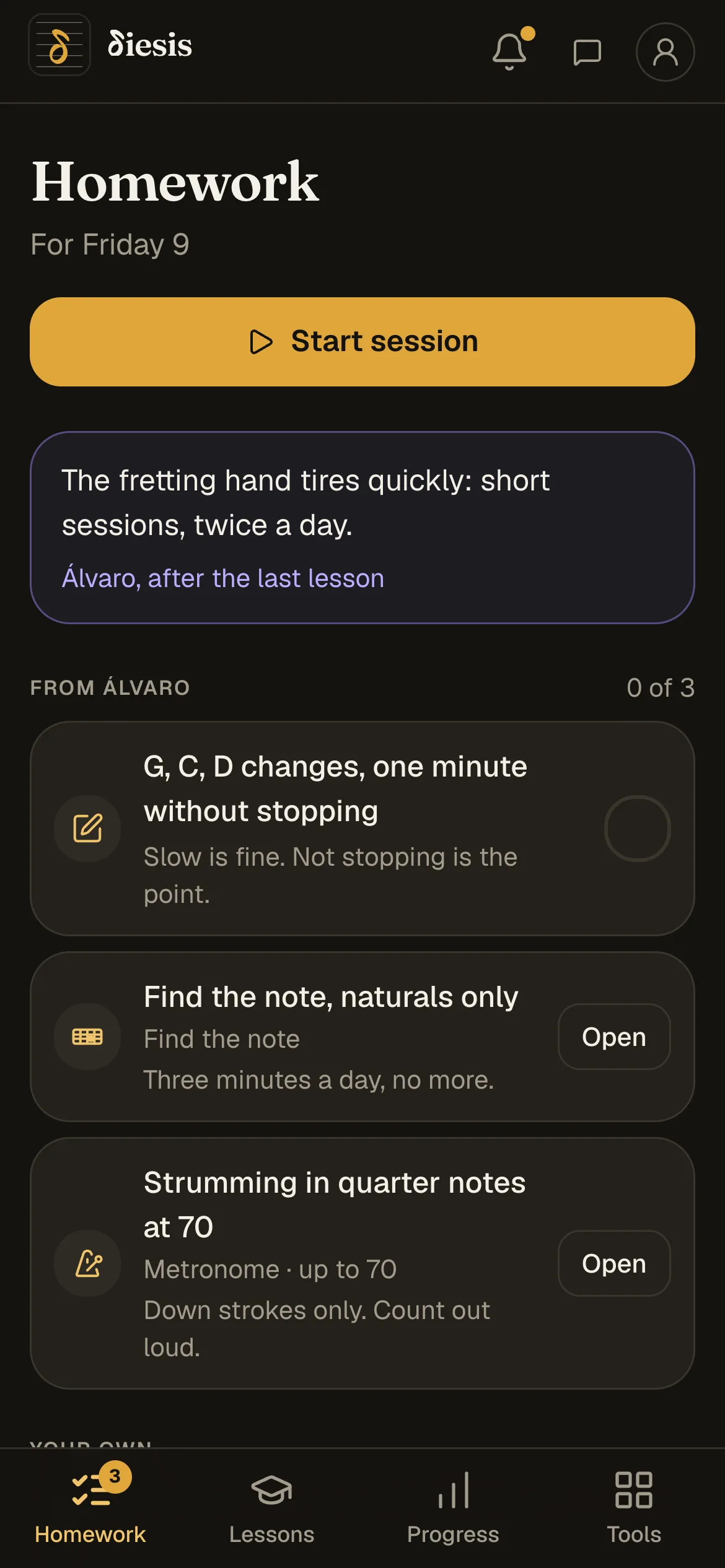
Short and dailyHomework that fits in 15 or 20 minutes gets practiced on weekdays; long homework waits for Sunday.
A target, not a topic“The riff at 90 BPM, clean” instead of “practice the riff”: your student knows when it’s done, and so do you.
Set it up for themLeave the metronome at the tempo and the exercise the way it should be practiced. On Diesis, homework set from a tool opens exactly that way.
See it before the lessonKnow whether they practiced before the call starts. Diesis shows the tempo reached, the scores and the minutes per day; elsewhere, ask for a short recording.
How homework and progress work
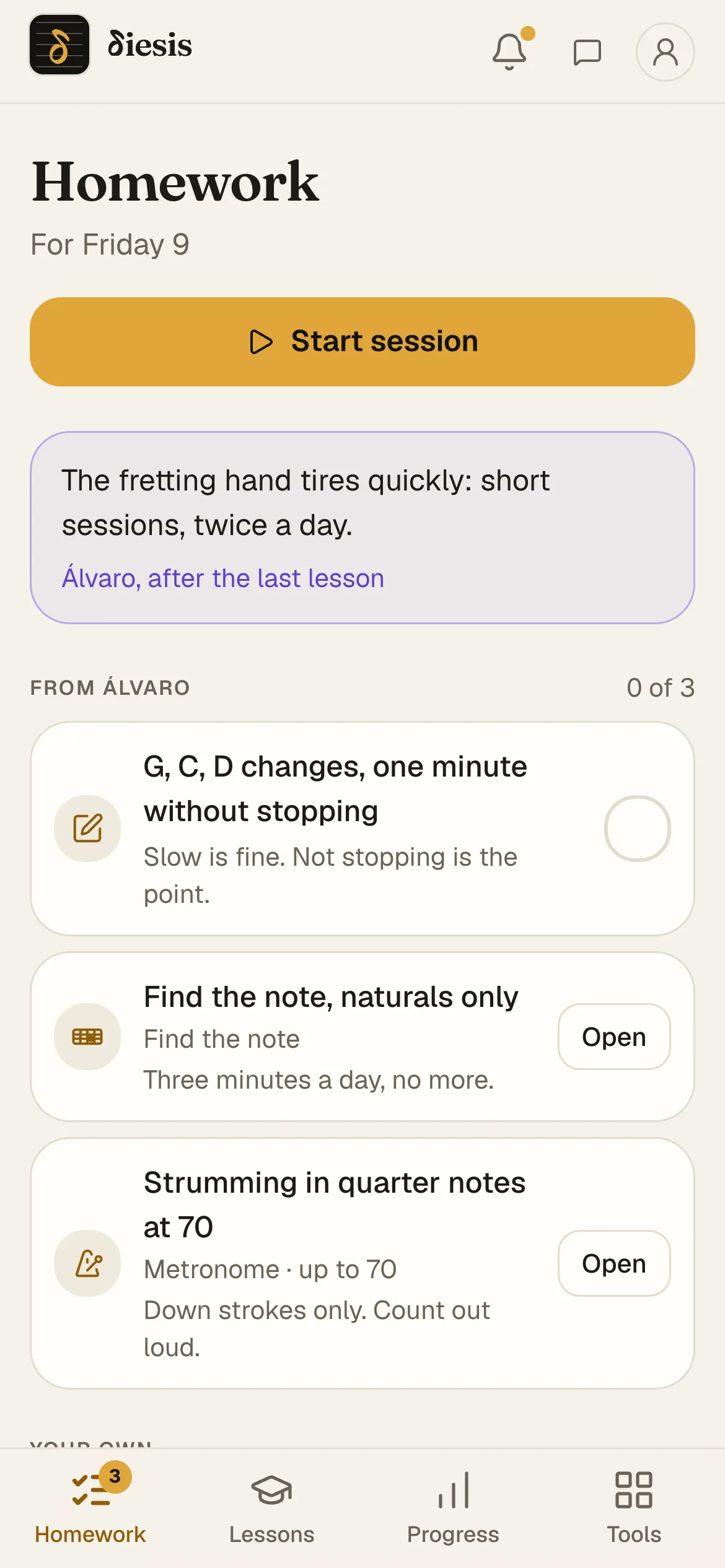
The student’s phone: this week’s homeworkThe student’s phone: this week’s homework
Questions

Questions about teaching guitar online

What equipment do I need to teach guitar online?

A computer, a camera that shows both hands, and headphones. An audio interface with your guitar and a microphone makes the biggest difference to how you sound; a USB microphone is a cheaper step up from the laptop’s own.

Can I teach guitar lessons on Zoom?

Yes, once Original sound for musicians is on in the audio settings and inside each meeting. On a free account meetings end at 40 minutes. Diesis has guitar sound on from the start, no time limit, and the lesson’s notes and homework beside the picture.

Why does my guitar sound bad on video calls?

Meeting apps filter the sound for voices: noise suppression cuts held notes short and automatic volume pumps. Turn both off (Original sound for musicians on Zoom), or use a call made for music.

Do I need an audio interface?

No. A laptop microphone is enough to start. An interface with your guitar plugged in, or a microphone in front of the amp, sounds clearer and keeps the room out.

How do I know whether my student practiced?

Set homework with a target and look before the lesson. On Diesis the tempo reached, the best score and the minutes per day reach you by themselves; Diesis doesn’t record anyone playing.

What does Diesis cost?

Nothing while it’s in preview. It will be paid at some point, and you’ll hear well before.

Teach your first online lesson on Diesis.

Invite a student with a code, teach on a call that sounds like a guitar, and set their homework before you hang up.