Teach metal guitar online. Speed you can measure.
Teach on a call built for guitar, set tempo targets as homework and review the tempo used before your next lesson. You judge whether the riff is clean.
Set a riff to climb.
Set Speed up from 100 to 160 BPM, then assign it as homework. Diesis records the highest tempo the metronome reaches during practice.
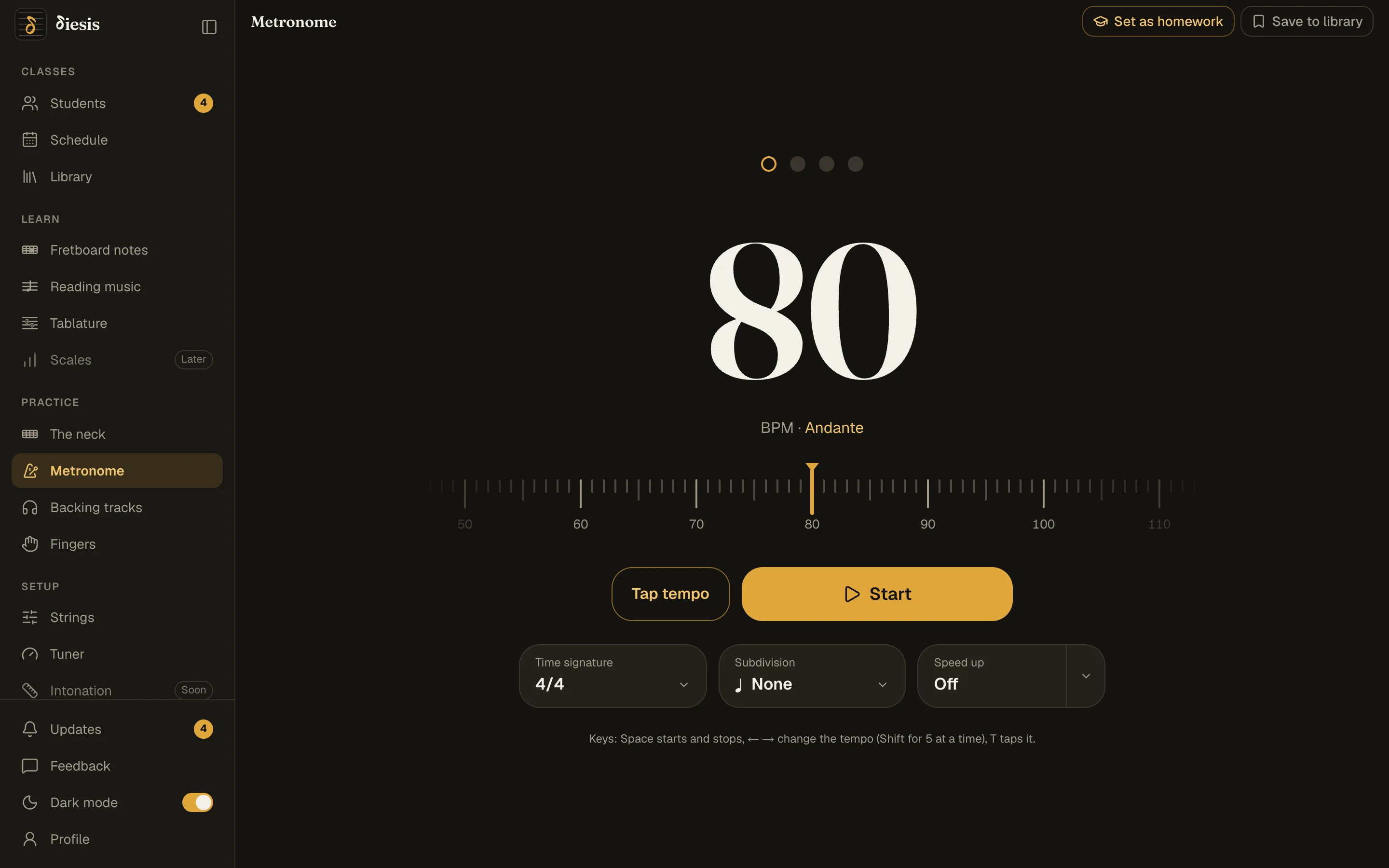
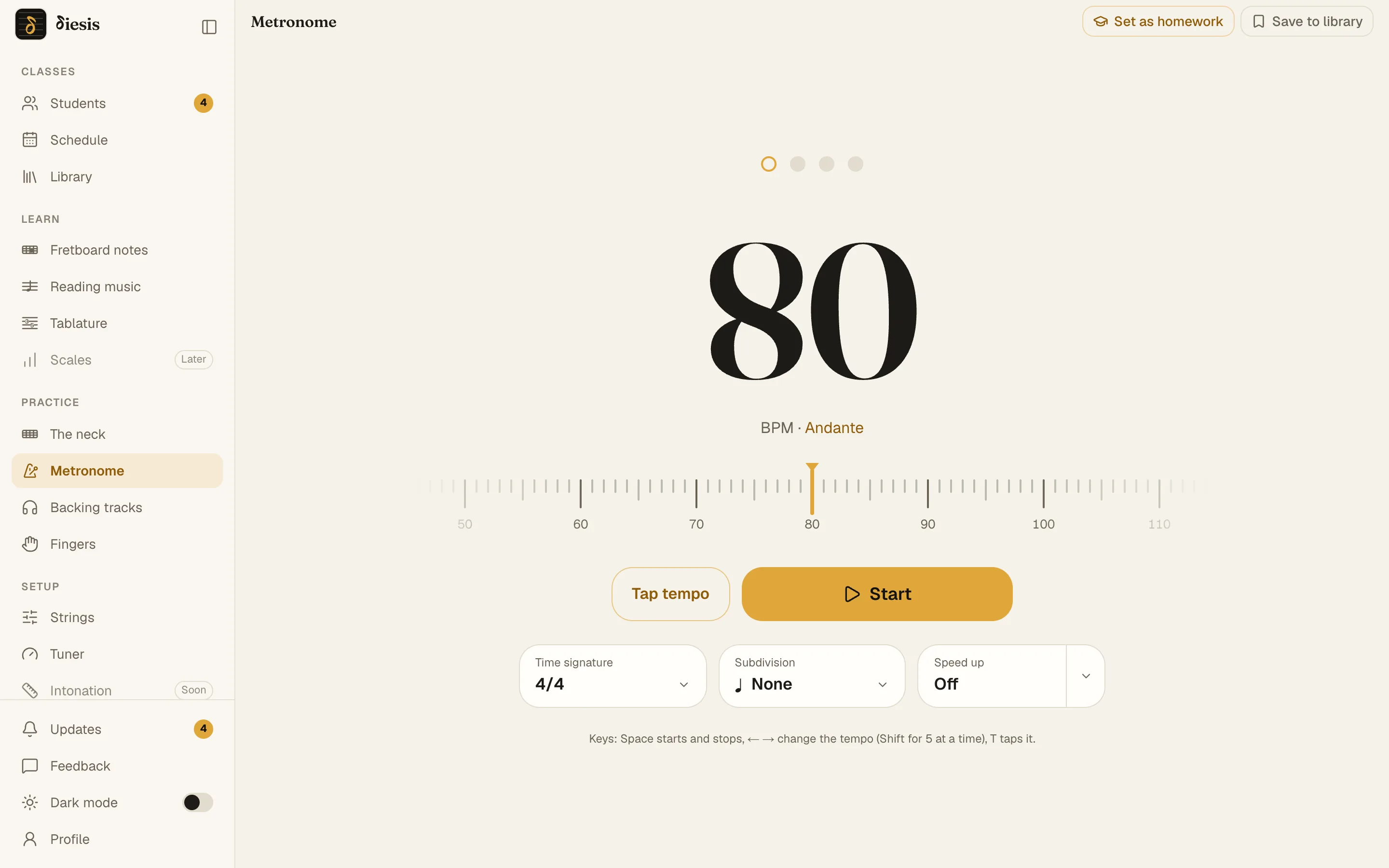
A clear target
“The riff at 160, clean”: your student knows when it’s done.
A tempo record, your assessment
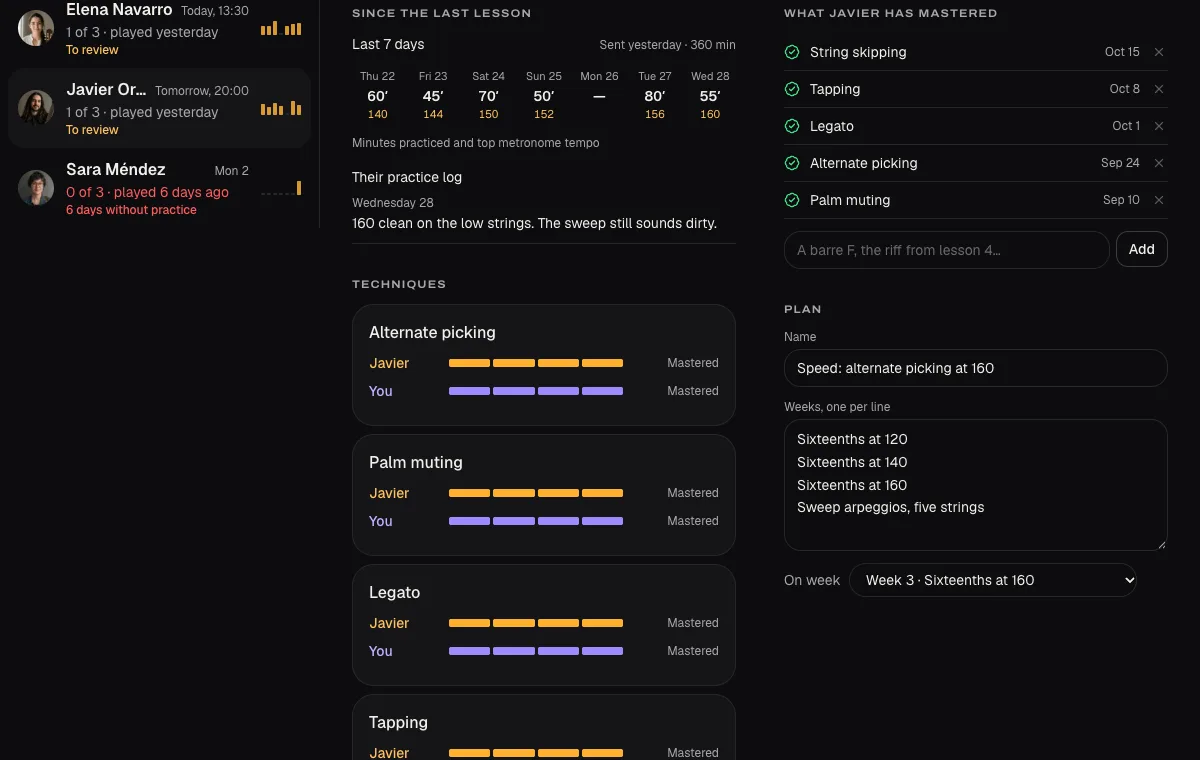
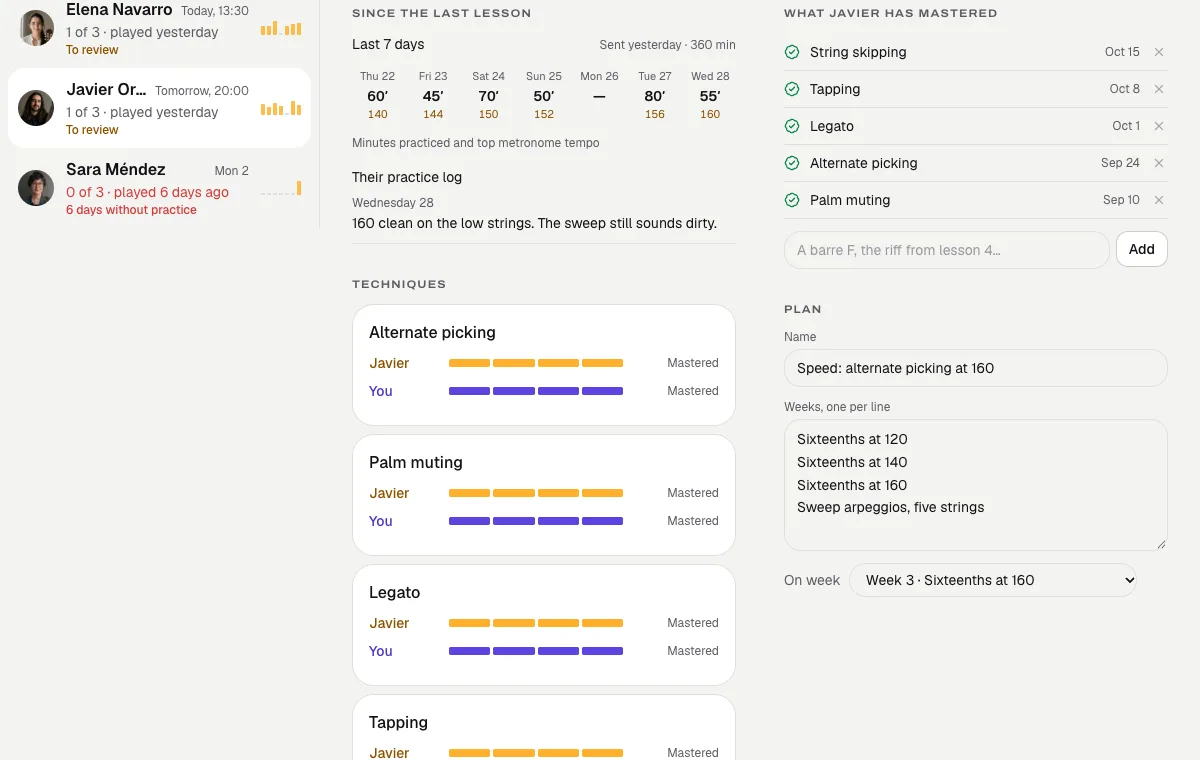
Use the tempo record to guide the next lesson. Listen to the riff before marking Learned or Repeat.
Guitar Pro, looped slower
Bars 9 to 16 from 90 to 140, with a count-in and a click.
A call that keeps high gain.
Meeting apps gate distortion; Diesis turns those filters off and sends stereo.
| Diesis against a free Zoom account | Diesis | Zoom, free |
|---|---|---|
| Guitar sound on from the start, in stereo | A setting to find | |
| Lessons longer than 40 minutes | ||
| Notes and homework beside the call | ||
| A neck and a piano you both play | ||
| The student keeps the lesson afterwards | ||
| Price | No separate call fee or time limit | Free up to 40 min |
Speakers work; headphones sound cleanest.
Tabs, backing tracks and licks.
Everything a metal student practices, in one place.
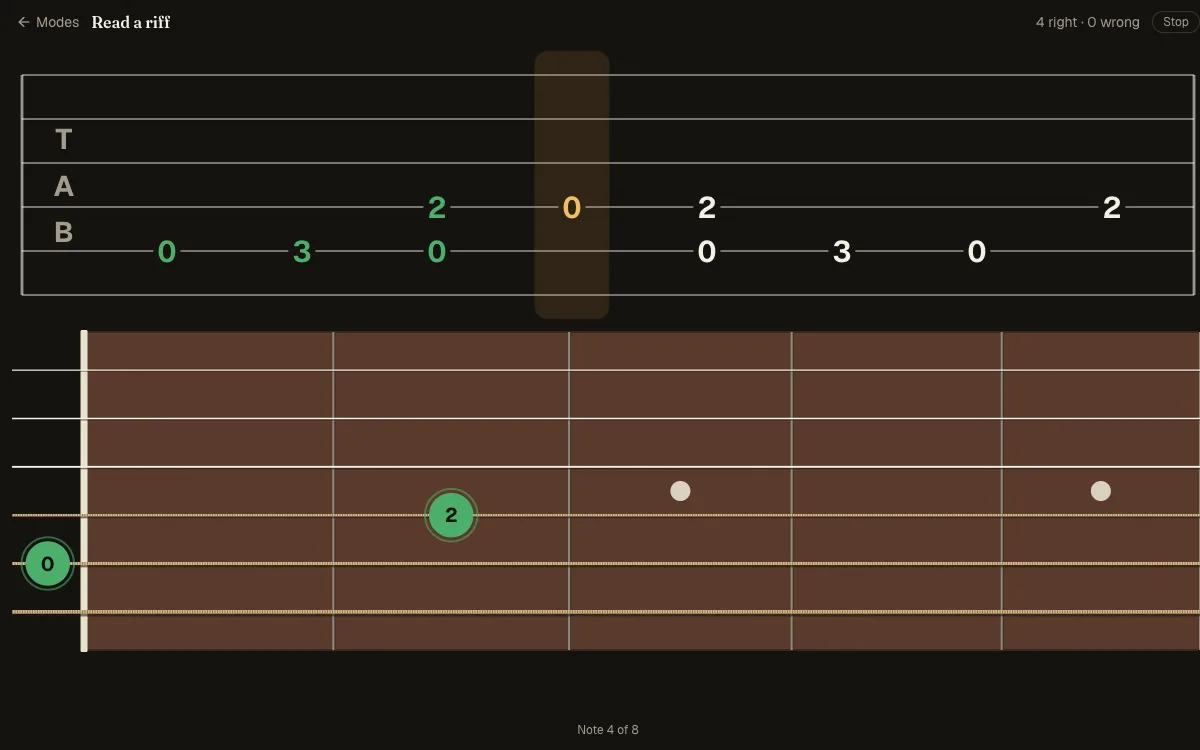
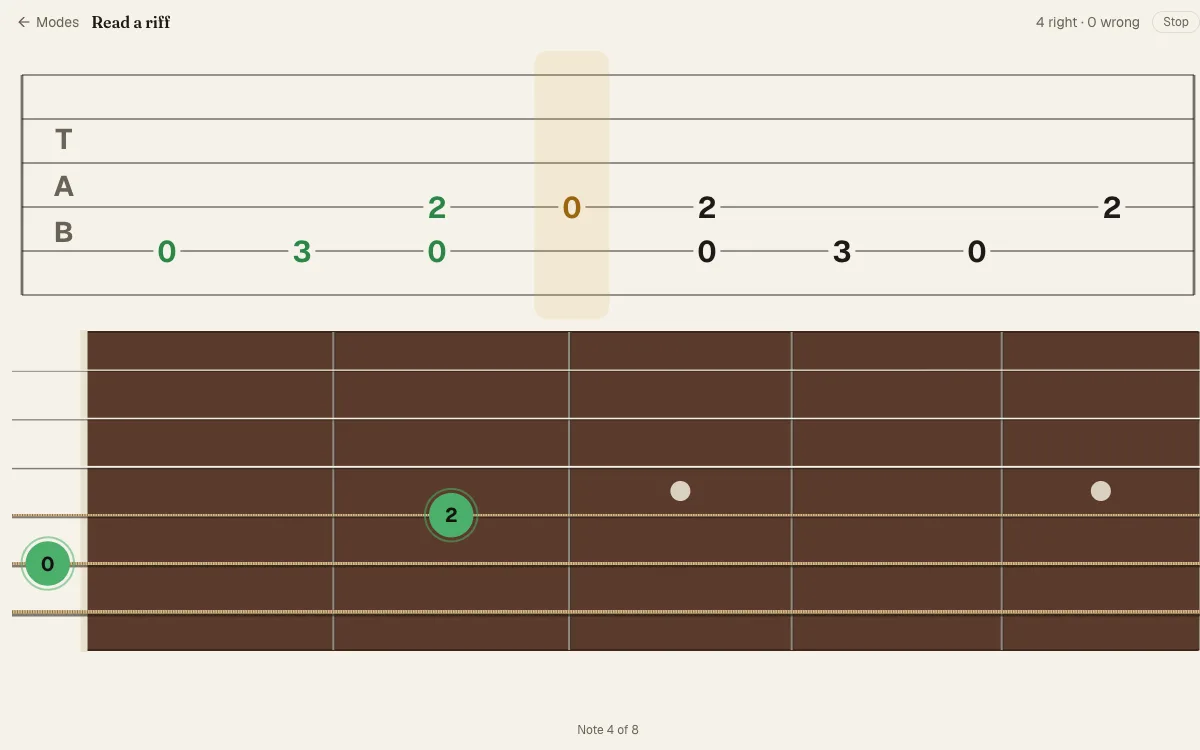
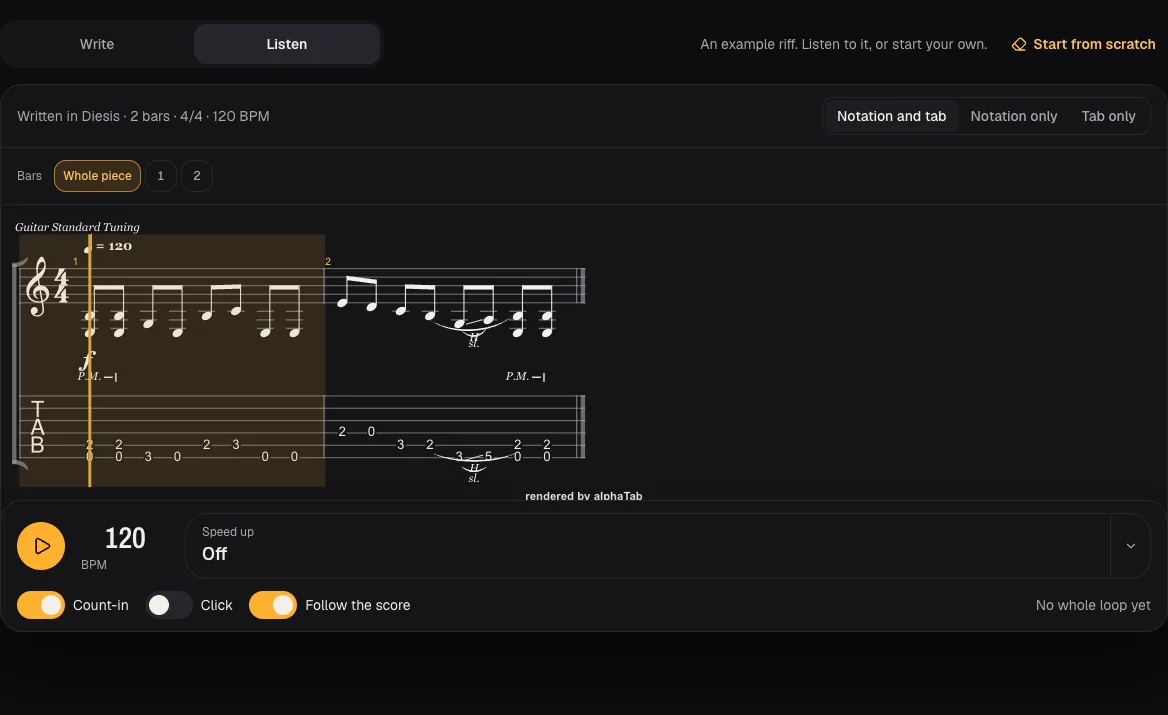
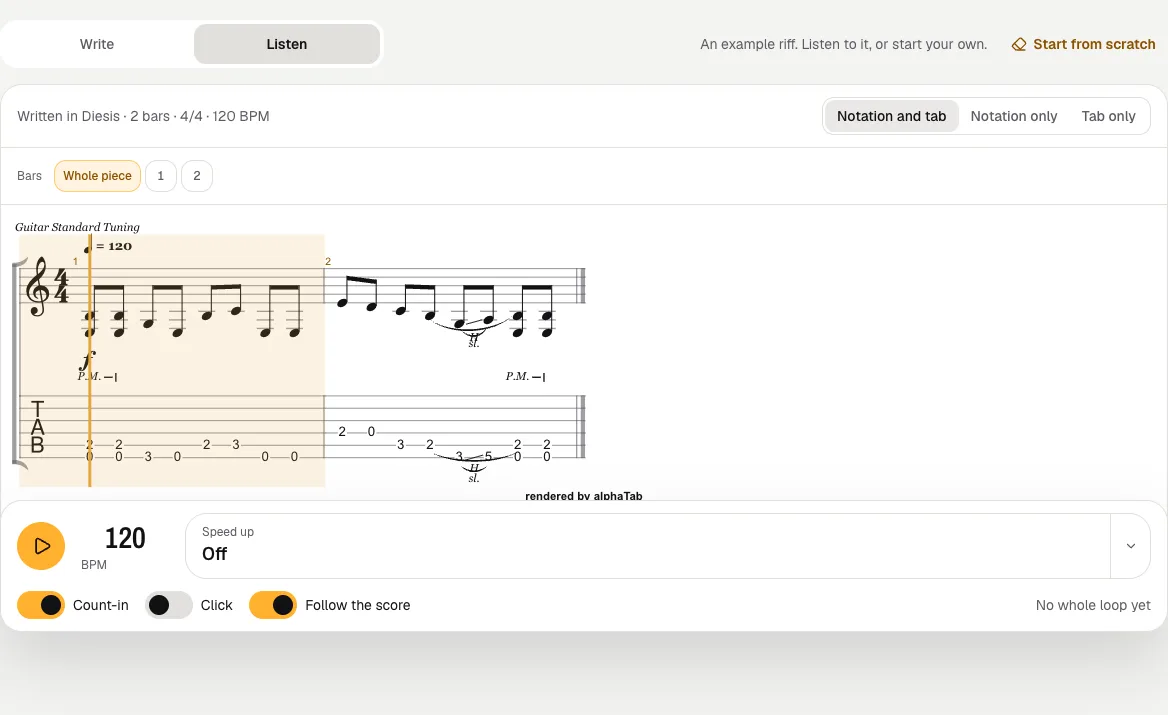
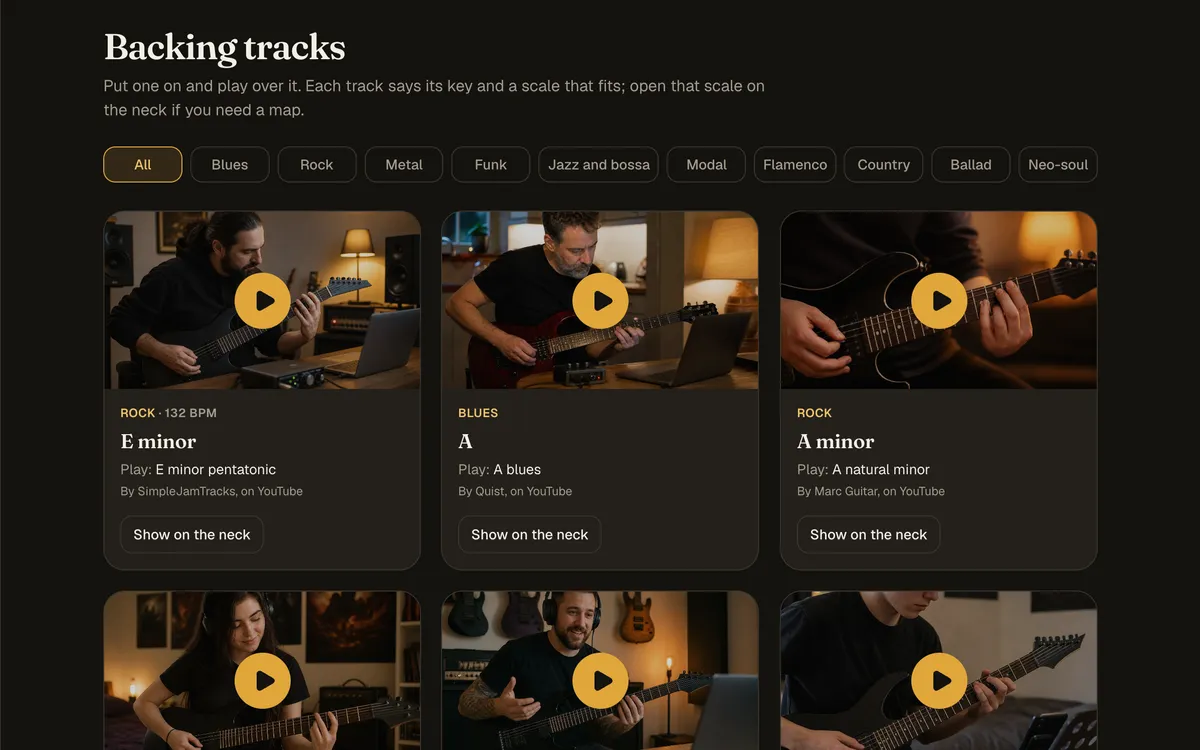
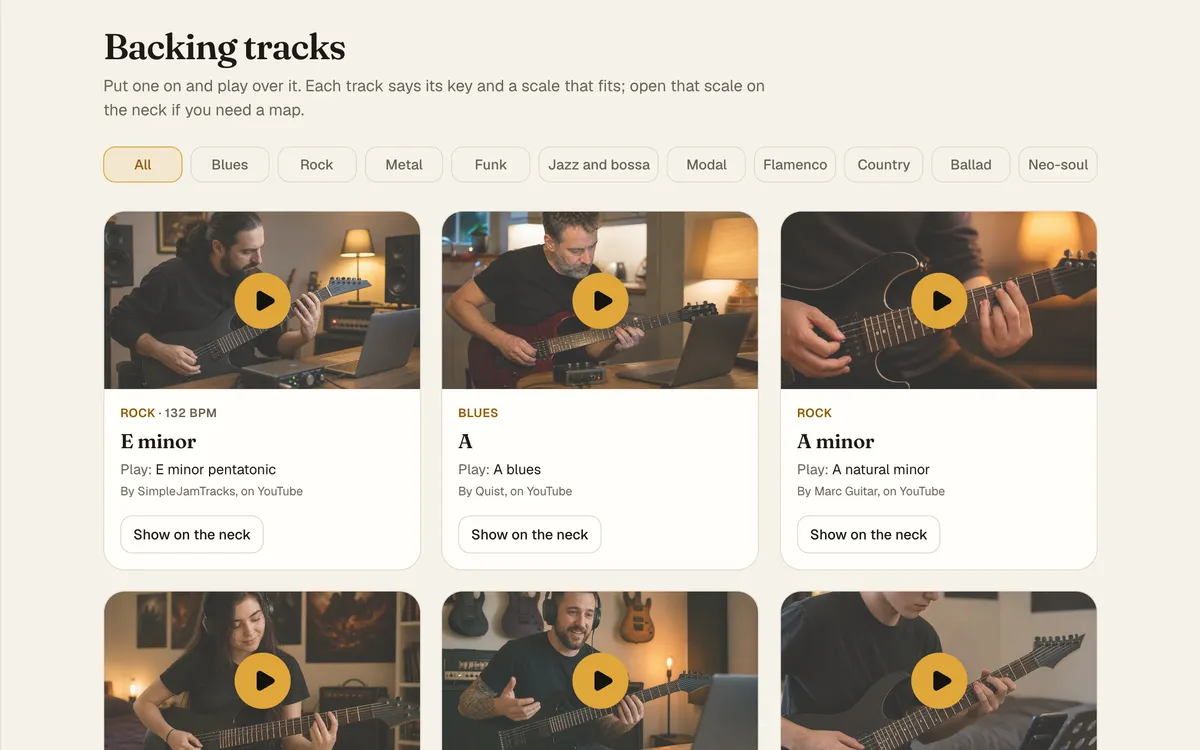
Track each student’s technique.
Alternate picking, palm muting, sweep, tapping: their level beside yours.
Your note under each one, for the student.
Invite your first student
Once they accept, you see their practice.
Your first riff as homework.
Create your teacher account
Email or Google. No password, no card.
Set the riff to climb
Invite a student, then set the metronome from 100 to 160 BPM and press Set as homework.
Review the practice record
See the highest tempo used and the days practiced, then check their playing in the lesson.
Before you set your first riff.
Does a distorted tone survive the call?
Yes. No noise gate or automatic gain, in stereo at 128 kb/s.
Can I send a Guitar Pro file?
Yes: .gp, .gp5, .gpx and MusicXML, looped inside the homework.
Can I set a tempo target?
Yes. Set the start and target tempo in Speed up. Diesis records the metronome tempo used; it does not listen to or grade the riff.
Does it work for seven and eight strings?
Yes, in any tuning, drop and E♭ included.
Do my students need an account?
Yes, one each. The standalone tools work without one.
What does it cost?
10% of each payment through Diesis, Stripe’s fee included. The first twenty teachers pay 5% and receive 95%.
Diesis, written for what you teach.
Diesis for guitar teachers
The call, homework and progress, whatever you teach.
See the page